ArthurSonzogni / FTXUI
:computer: C++ Functional Terminal User Interface. :heart:
AI Architecture Analysis
This repository is indexed by RepoMind. By analyzing ArthurSonzogni/FTXUI in our AI interface, you can instantly generate complete architecture diagrams, visualize control flows, and perform automated security audits across the entire codebase.
Our Agentic Context Augmented Generation (Agentic CAG) engine loads full source files into context, avoiding the fragmentation of traditional RAG systems. Ask questions about the architecture, dependencies, or specific features to see it in action.
Embed this Badge
Showcase RepoMind's analysis directly in your repository's README.

Repository Summary (README)
PreviewFTXUI
<i>Functional Terminal (X) User interface</i>
A simple cross-platform C++ library for terminal based user interfaces!
Feature
- Functional style. Inspired by 1 and React
- Simple and elegant syntax (in my opinion)
- Keyboard & mouse navigation.
- Support for UTF8 and fullwidth chars (→ 测试)
- Support for animations. Demo 1, Demo 2
- Support for drawing. Demo
- No dependencies.
- C++20 Module support
- Cross platform: Linux/MacOS (main target), WebAssembly, Windows (Thanks to contributors!).
- Learn by examples, and tutorials
- Multiple packages:
- CMake FetchContent (preferred)
- Bazel
- vcpkg
- Conan Debian package
- Ubuntu package
- Arch Linux
- OpenSUSE
- XMake repository package
- Nix
- Good practices: documentation, tests, fuzzers, performance tests, automated CI, automated packaging, etc...
Documentation
- Starter CMake
- Starter Bazel
- Documentation
- Examples (WebAssembly)
- Build using CMake
- Build using Bazel
Example
    vbox({
      hbox({
        text("one") | border,
        text("two") | border | flex,
        text("three") | border | flex,
      }),

      gauge(0.25) | color(Color::Red),
      gauge(0.50) | color(Color::White),
      gauge(0.75) | color(Color::Blue),
    });
Short gallery
DOM
This module defines a hierarchical set of Element. An Element manages layout and can be responsive to the terminal dimensions.
They are declared in <ftxui/dom/elements.hpp>
<details><summary>Layout</summary>Element can be arranged together:
- horizontally with
hbox - vertically with
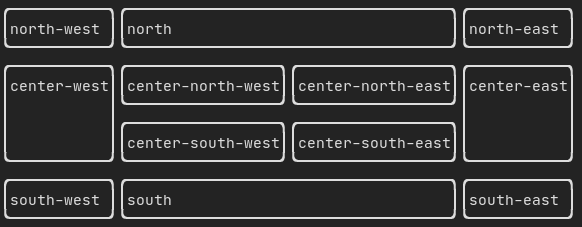
vbox - inside a grid with
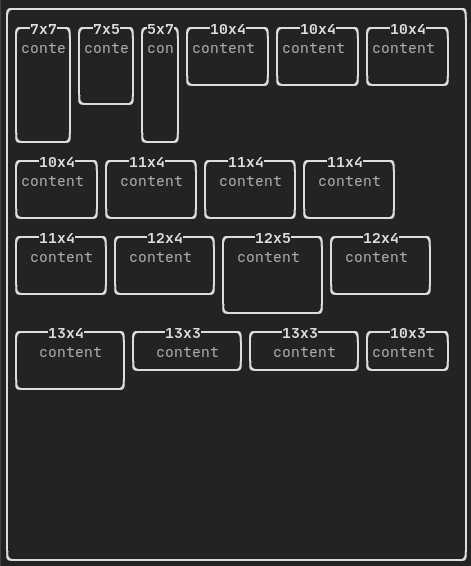
gridbox - wrap along one direction using the
flexbox.
Element can become flexible using the flex decorator.
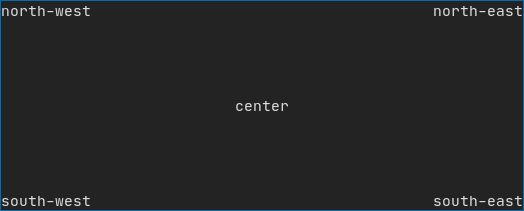
Example using hbox, vbox and filler.
Example using gridbox:
Example using flexbox:
An element can be decorated using the functions:
bolditalicdiminvertedunderlinedunderlinedDoubleblinkstrikethroughcolorbgcolorhyperlink

FTXUI supports the pipe operator. It means: decorator1(decorator2(element)) and element | decorator1 | decorator2 can be used.
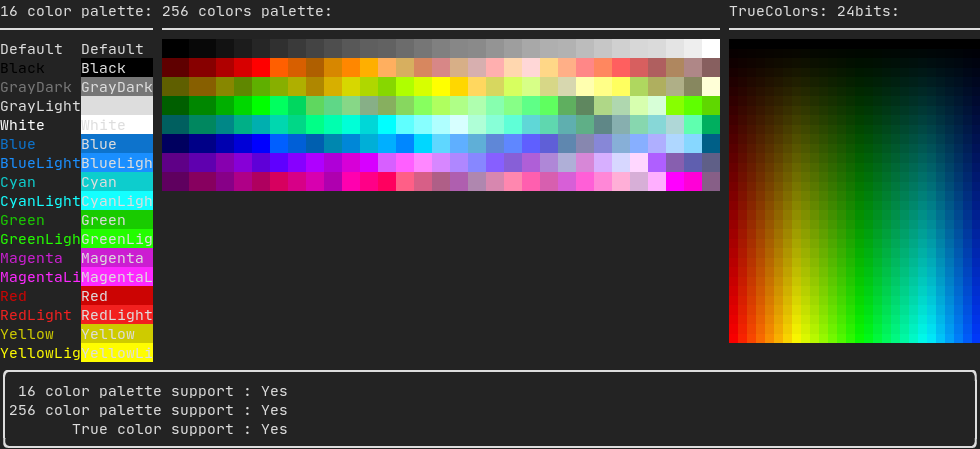
FTXUI support every color palette:
Color gallery:
Use decorator border and element separator() to subdivide your UI:
auto document = vbox({
    text("top"),
    separator(),
    text("bottom"),
}) | border;
Demo:

A simple piece of text is represented using text("content").
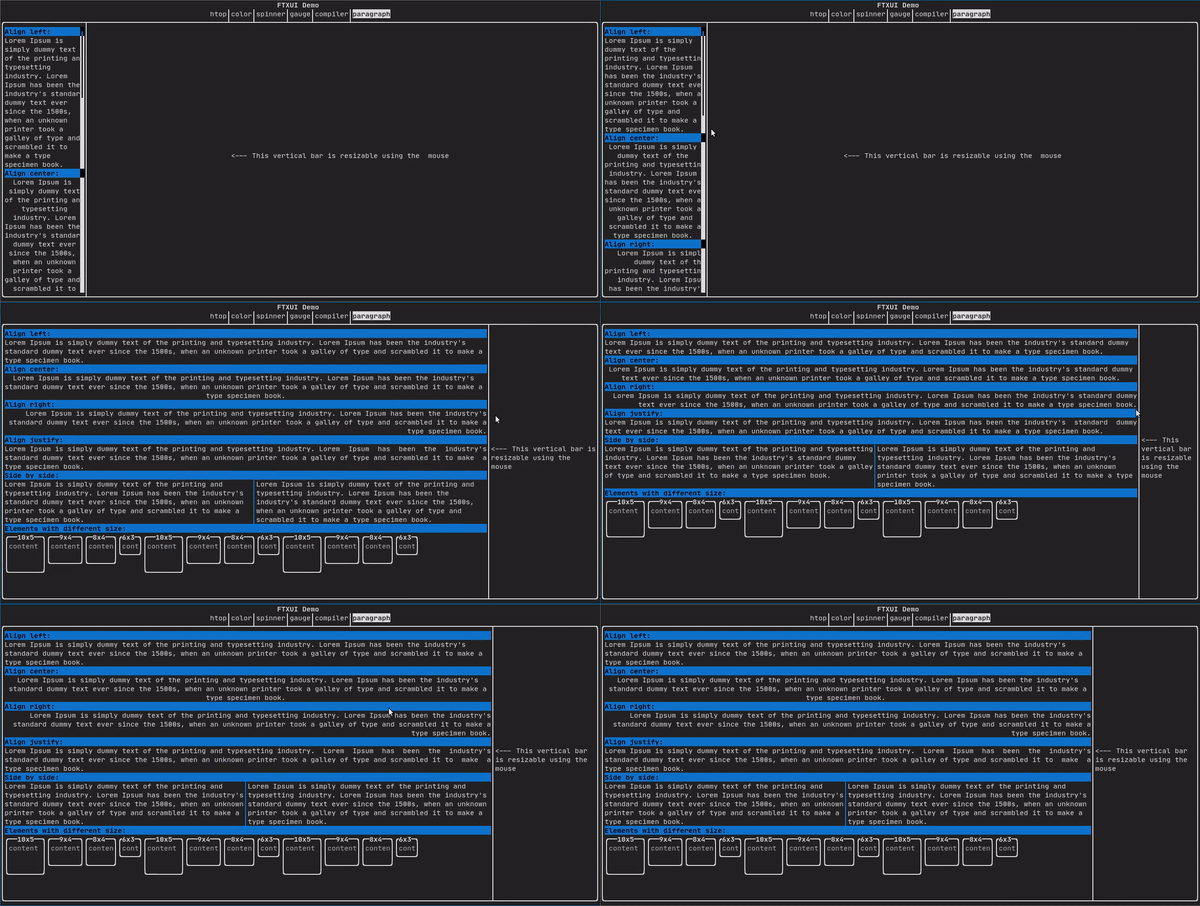
To support text wrapping following spaces the following functions are provided:
Element paragraph(std::string text);
Element paragraphAlignLeft(std::string text);
Element paragraphAlignRight(std::string text);
Element paragraphAlignCenter(std::string text);
Element paragraphAlignJustify(std::string text);
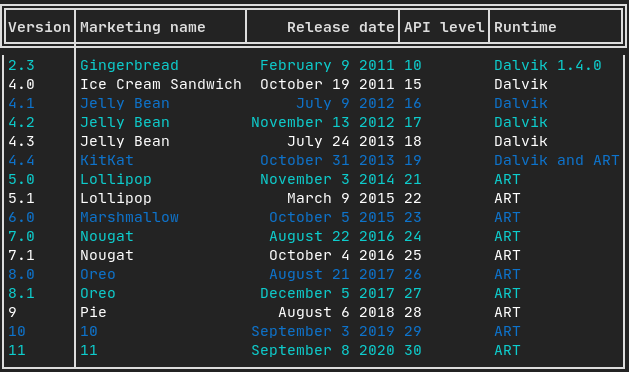
A class to easily style a table of data.
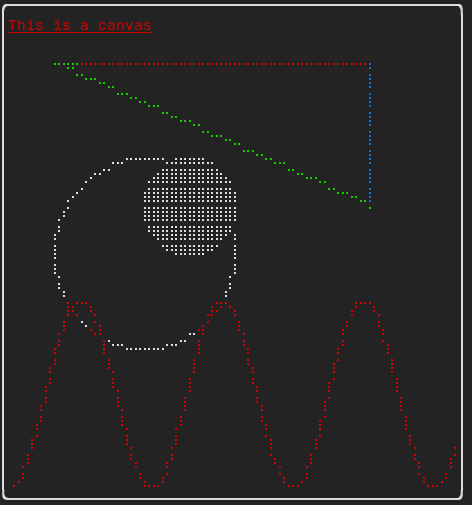
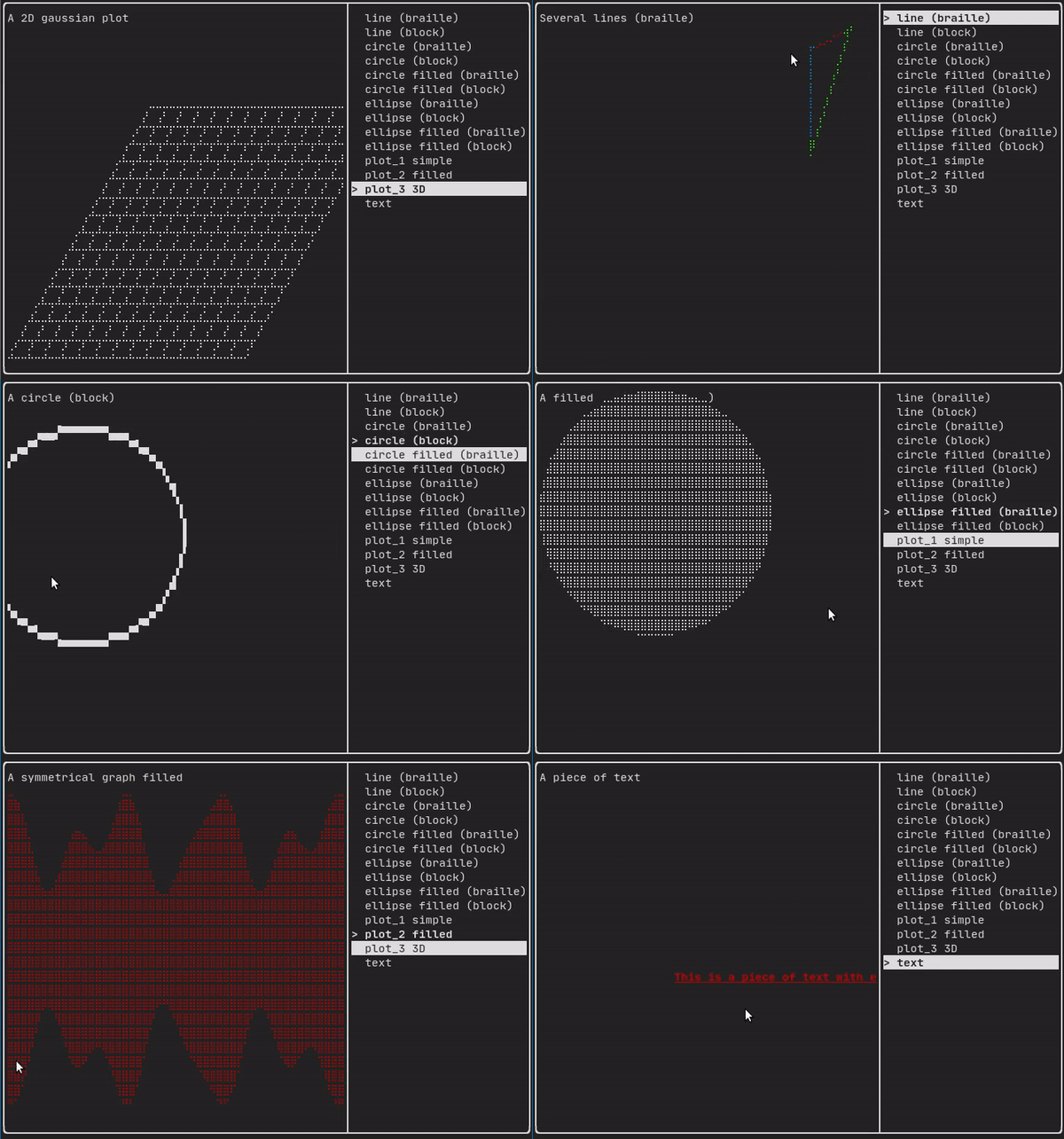
Drawing can be made on a Canvas, using braille, block, or simple characters:
Simple example:
Complex examples:
Component
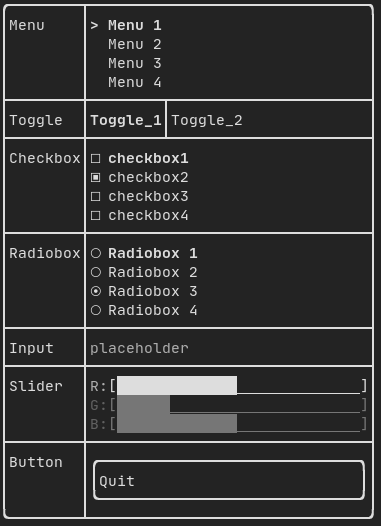
ftxui/component produces dynamic UI, reactive to the user's input. It defines a set of ftxui::Component. A component reacts to Events (keyboard, mouse, resize, ...) and Renders as an Element (see previous section).
Prebuilt components are declared in <ftxui/component/component.hpp>
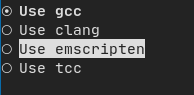
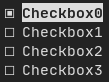
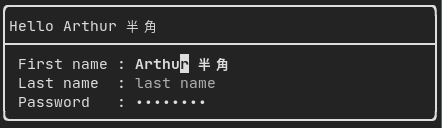
<details><summary>Gallery</summary>Gallery of multiple components. (demo)

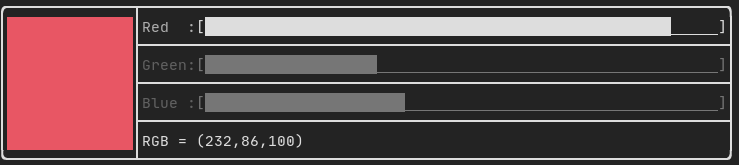

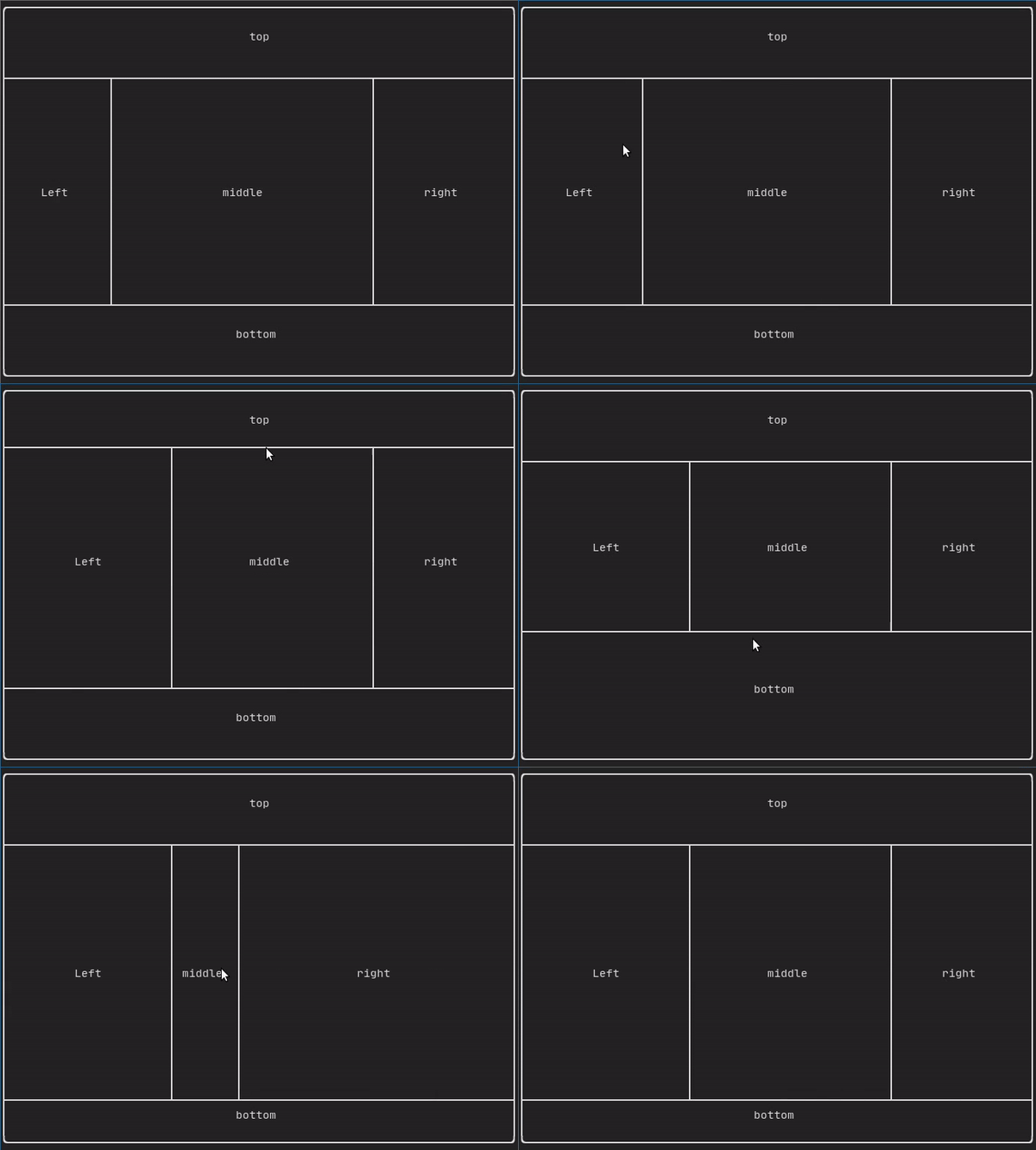

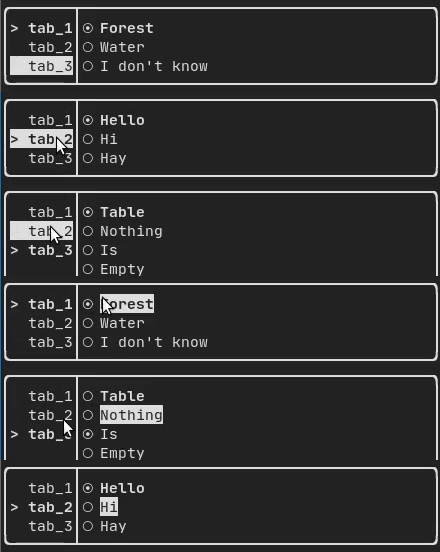
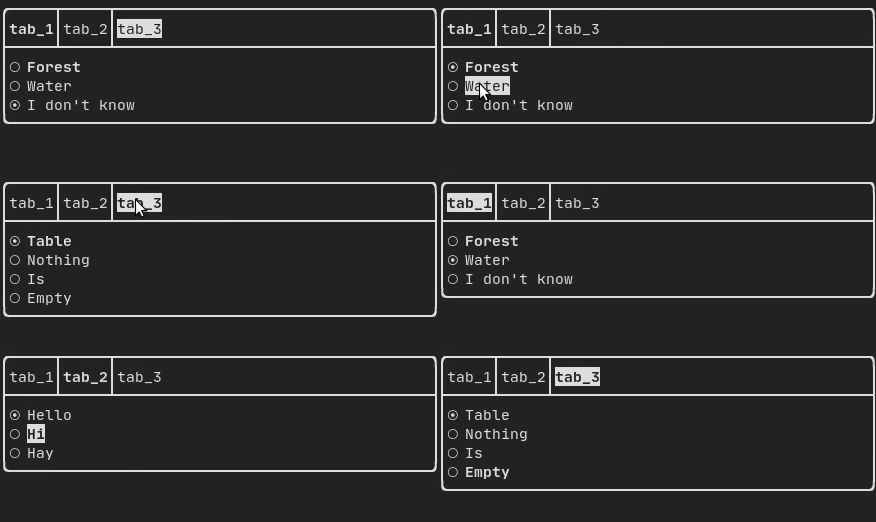
Libraries for FTXUI
- Want to share a useful Component for FTXUI? Feel free to add yours here
- ftxui-grid-container
- ftxui-ip-input
- ftxui-image-view: For Image Display.
- ftxui-navigation-tree
- MarkdownFTXUI: Markdown Editor/Viewer for the terminal.
Project using FTXUI
Feel free to add your projects here:
- 2048-cpp
- BestEdrOfTheMarket
- Captain's log
- Caravan
- CryptoCalculator
- FTB - tertminal file browser
- FTowerX
- Fallout terminal hacking
- Lazylist
- Memory game
- Path Finder
- Pigeon ROS TUI
- SHOOT!
- StartUp
- Step-Writer
- TUISIC
- Terminal Animation
- TimeAccumulator
- UDP chat
- VerifySN (Fast Hash Tool)
- XJ music
- beagle-config
- cachyos-cli-installer
- eCAL monitor
- ftxuiFileReader
- ftxui_CPUMeter
- hastur
- i3-termdialogs
- inLimbo
- keywords (Play web version :heart:)
- ltuiny
- openJuice
- ostree-tui
- pciex
- resource-monitor
- rw-tui
- simpPRU
- sweeper (Play web version :heart:)
- tabdeeli
- terminal-rain
- tic-tac-toe
- tiles
- todoman
- turing_cmd
- typing-speed-test
- vantage
- x86-64 CPU Architecture Simulation
cpp-best-practices/game_jam
Several games using the FTXUI have been made during the Game Jam:
- TermBreaker [Play web version]
- Minesweeper Marathon [Play web version]
- Grand Rounds
- LightsRound
- DanteO
- Sumo
- Drag Me aROUND
- DisarmSelfDestruct
- TheWorld
- smoothlife
- Consu
Build using CMake
It is highly recommended to use CMake FetchContent to depend on FTXUI so you may specify which commit you would like to depend on.
include(FetchContent)
FetchContent_Declare(ftxui
  GIT_REPOSITORY https://github.com/ArthurSonzogni/ftxui
  GIT_TAG v6.1.9
)
FetchContent_MakeAvailable(ftxui)

target_link_libraries(your_target PRIVATE
    # Chose a submodule
    ftxui::component
    ftxui::dom
    ftxui::screen
)
Build using Bazel
MODULE.bazel
bazel_dep(
    name = "ftxui",
    version = "v6.1.9",
)
BUILD.bazel
cc_binary(
    name = "your_target",
    srcs = ["your_source.cc"],
    deps = [
        # Choose submodules
        "@ftxui//:component",
        "@ftxui//:dom",
        "@ftxui//:screen",

        # Or use the single ftxui target (includes all modules)
        # "@ftxui//:ftxui",
    ],
)
Build with something else:
If you don't, FTXUI may be used from the following packages:
- CMake FetchContent (preferred),
- Bazel,
- vcpkg,
- Conan
- Debian package,
- Ubuntu package,
- Arch Linux,
- OpenSUSE,
- Nix,

If you choose to build and link FTXUI yourself, ftxui-component must be first in the linking order relative to the other FTXUI libraries, i.e.
g++ . . . -lftxui-component -lftxui-dom -lftxui-screen . . .
To build FTXUI with modules, check documentation