back to home

LazyVim / LazyVim

Neovim config for the lazy

25,136 stars
1,741 forks
60 issues
LuaTree-sitter QueryShell

AI Architecture Analysis

This repository is indexed by RepoMind. By analyzing LazyVim/LazyVim in our AI interface, you can instantly generate complete architecture diagrams, visualize control flows, and perform automated security audits across the entire codebase.

Our Agentic Context Augmented Generation (Agentic CAG) engine loads full source files into context, avoiding the fragmentation of traditional RAG systems. Ask questions about the architecture, dependencies, or specific features to see it in action.

Embed this Badge

Showcase RepoMind's analysis directly in your repository's README.

[![Analyzed by RepoMind](https://img.shields.io/badge/Analyzed%20by-RepoMind-4F46E5?style=for-the-badge)](https://repomind-ai.vercel.app/repo/LazyVim/LazyVim)
Preview:Analyzed by RepoMind

Repository Summary (README)

Preview
<div align="center"> <img src="https://user-images.githubusercontent.com/292349/213446185-2db63fd5-8c84-459c-9f04-e286382d6e80.png"> </div> <hr> <h4 align="center"> <a href="https://lazyvim.github.io/installation">Install</a> ยท <a href="https://lazyvim.github.io/configuration">Configure</a> ยท <a href="https://lazyvim.github.io">Docs</a> </h4> <div align="center"><p> <a href="https://github.com/LazyVim/LazyVim/releases/latest"> <img alt="Latest release" src="https://img.shields.io/github/v/release/LazyVim/LazyVim?style=for-the-badge&logo=starship&color=C9CBFF&logoColor=D9E0EE&labelColor=302D41&include_prerelease&sort=semver" /> </a> <a href="https://github.com/LazyVim/LazyVim/pulse"> <img alt="Last commit" src="https://img.shields.io/github/last-commit/LazyVim/LazyVim?style=for-the-badge&logo=starship&color=8bd5ca&logoColor=D9E0EE&labelColor=302D41"/> </a> <a href="https://github.com/LazyVim/LazyVim/blob/main/LICENSE"> <img alt="License" src="https://img.shields.io/github/license/LazyVim/LazyVim?style=for-the-badge&logo=starship&color=ee999f&logoColor=D9E0EE&labelColor=302D41" /> </a> <a href="https://github.com/LazyVim/LazyVim/stargazers"> <img alt="Stars" src="https://img.shields.io/github/stars/LazyVim/LazyVim?style=for-the-badge&logo=starship&color=c69ff5&logoColor=D9E0EE&labelColor=302D41" /> </a> <a href="https://github.com/LazyVim/LazyVim/issues"> <img alt="Issues" src="https://img.shields.io/github/issues/LazyVim/LazyVim?style=for-the-badge&logo=bilibili&color=F5E0DC&logoColor=D9E0EE&labelColor=302D41" /> </a> <a href="https://github.com/LazyVim/LazyVim"> <img alt="Repo Size" src="https://img.shields.io/github/repo-size/LazyVim/LazyVim?color=%23DDB6F2&label=SIZE&logo=codesandbox&style=for-the-badge&logoColor=D9E0EE&labelColor=302D41" /> </a> <a href="https://twitter.com/intent/follow?screen_name=folke"> <img alt="follow on Twitter" src="https://img.shields.io/twitter/follow/folke?style=for-the-badge&logo=twitter&color=8aadf3&logoColor=D9E0EE&labelColor=302D41" /> </a> </div>

LazyVim is a Neovim setup powered by ๐Ÿ’ค lazy.nvim to make it easy to customize and extend your config. Rather than having to choose between starting from scratch or using a pre-made distro, LazyVim offers the best of both worlds - the flexibility to tweak your config as needed, along with the convenience of a pre-configured setup.
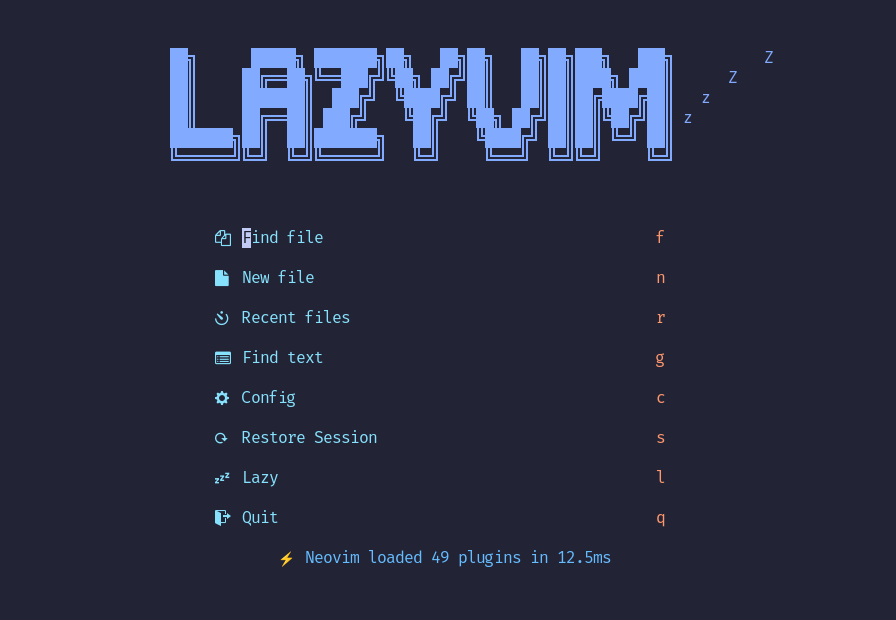
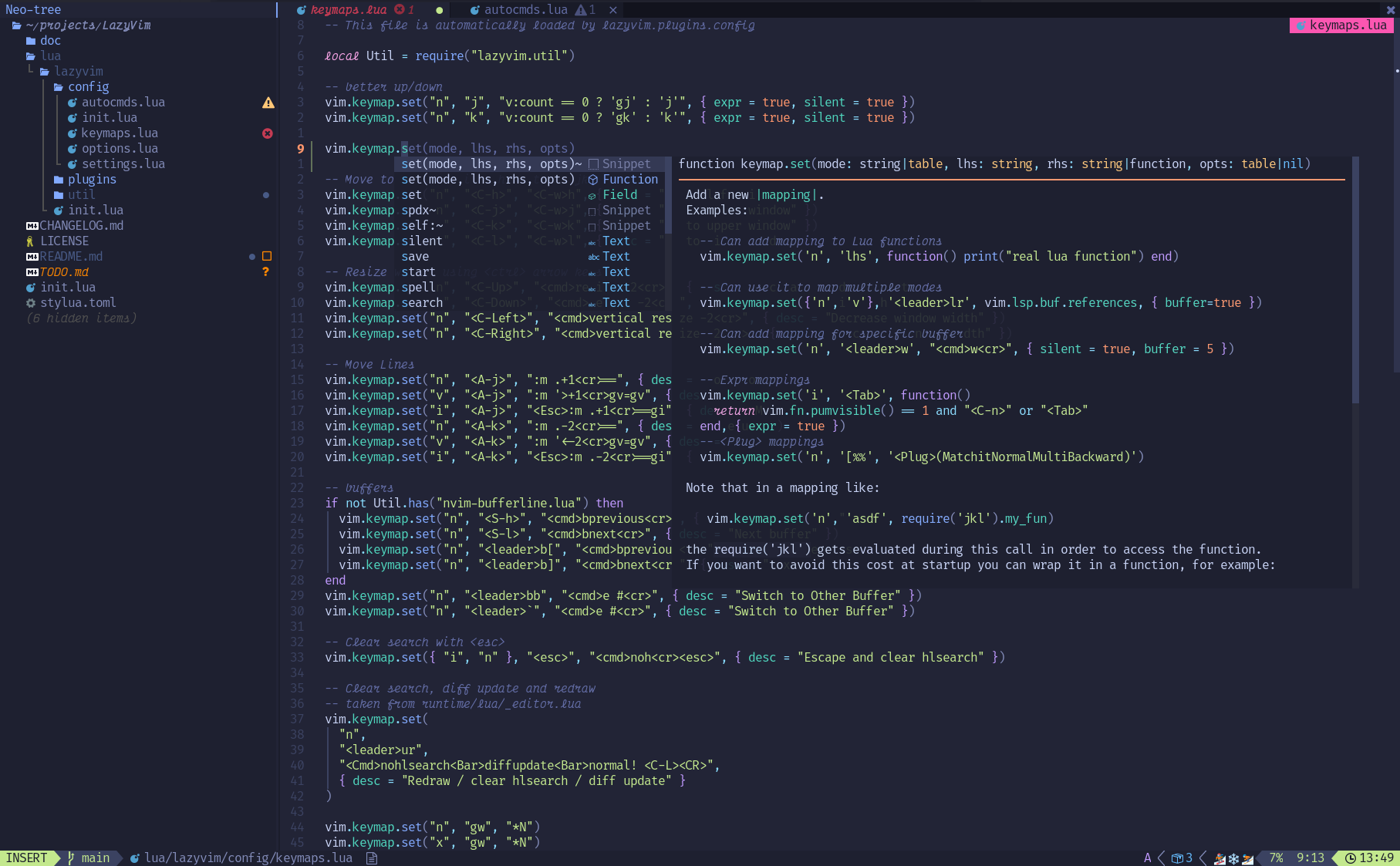
image

image

โœจ Features

  • ๐Ÿ”ฅ Transform your Neovim into a full-fledged IDE
  • ๐Ÿ’ค Easily customize and extend your config with lazy.nvim
  • ๐Ÿš€ Blazingly fast
  • ๐Ÿงน Sane default settings for options, autocmds, and keymaps
  • ๐Ÿ“ฆ Comes with a wealth of plugins pre-configured and ready to use

โšก๏ธ Requirements

  • Neovim >= 0.11.2 (needs to be built with LuaJIT)
  • Git >= 2.19.0 (for partial clones support)
  • a Nerd Font (optional)
  • a C compiler for nvim-treesitter. See here

๐Ÿš€ Getting Started

You can find a starter template for LazyVim here

<details><summary>Try it with Docker</summary>
docker run -w /root -it --rm alpine:edge sh -uelic '
  apk add git lazygit fzf curl neovim ripgrep alpine-sdk --update
  git clone https://github.com/LazyVim/starter ~/.config/nvim
  cd ~/.config/nvim
  nvim
'
</details> <details><summary>Install the <a href="https://github.com/LazyVim/starter">LazyVim Starter</a></summary>
  • Make a backup of your current Neovim files:

    mv ~/.config/nvim ~/.config/nvim.bak
    mv ~/.local/share/nvim ~/.local/share/nvim.bak
    
  • Clone the starter

    git clone https://github.com/LazyVim/starter ~/.config/nvim
    
  • Remove the .git folder, so you can add it to your own repo later

    rm -rf ~/.config/nvim/.git
    
  • Start Neovim!

    nvim
    

    Refer to the comments in the files on how to customize LazyVim.

</details>

@dusty-phillips wrote a comprehensive book called LazyVim for Ambitious Developers available for free online.

๐Ÿ“‚ File Structure

The files under config will be automatically loaded at the appropriate time, so you don't need to require those files manually. LazyVim comes with a set of default config files that will be loaded before your own. See here

You can add your custom plugin specs under lua/plugins/. All files there will be automatically loaded by lazy.nvim

<pre> ~/.config/nvim โ”œโ”€โ”€ lua โ”‚ย ย  โ”œโ”€โ”€ config โ”‚ย ย  โ”‚ย ย  โ”œโ”€โ”€ autocmds.lua โ”‚ย ย  โ”‚ย ย  โ”œโ”€โ”€ keymaps.lua โ”‚ย ย  โ”‚ย ย  โ”œโ”€โ”€ lazy.lua โ”‚ย ย  โ”‚ย ย  โ””โ”€โ”€ options.lua โ”‚ย ย  โ””โ”€โ”€ plugins โ”‚ย ย  โ”œโ”€โ”€ spec1.lua โ”‚ย ย  โ”œโ”€โ”€ ** โ”‚ย ย  โ””โ”€โ”€ spec2.lua โ””โ”€โ”€ init.lua </pre>

โš™๏ธ Configuration

Refer to the docs