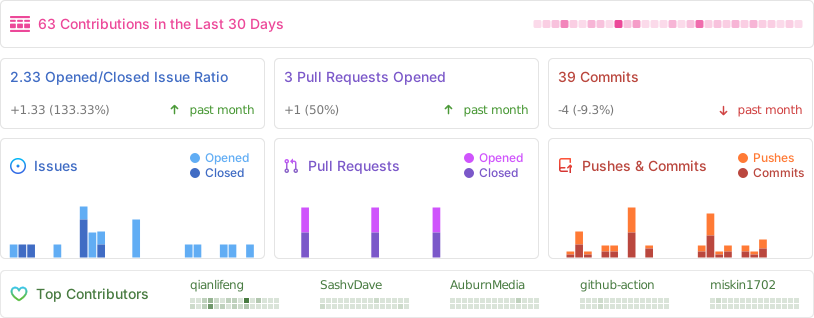
Wox-launcher / Wox
A cross-platform launcher that simply works
AI Architecture Analysis
This repository is indexed by RepoMind. By analyzing Wox-launcher/Wox in our AI interface, you can instantly generate complete architecture diagrams, visualize control flows, and perform automated security audits across the entire codebase.
Our Agentic Context Augmented Generation (Agentic CAG) engine loads full source files into context, avoiding the fragmentation of traditional RAG systems. Ask questions about the architecture, dependencies, or specific features to see it in action.
Embed this Badge
Showcase RepoMind's analysis directly in your repository's README.

Repository Summary (README)
PreviewWox



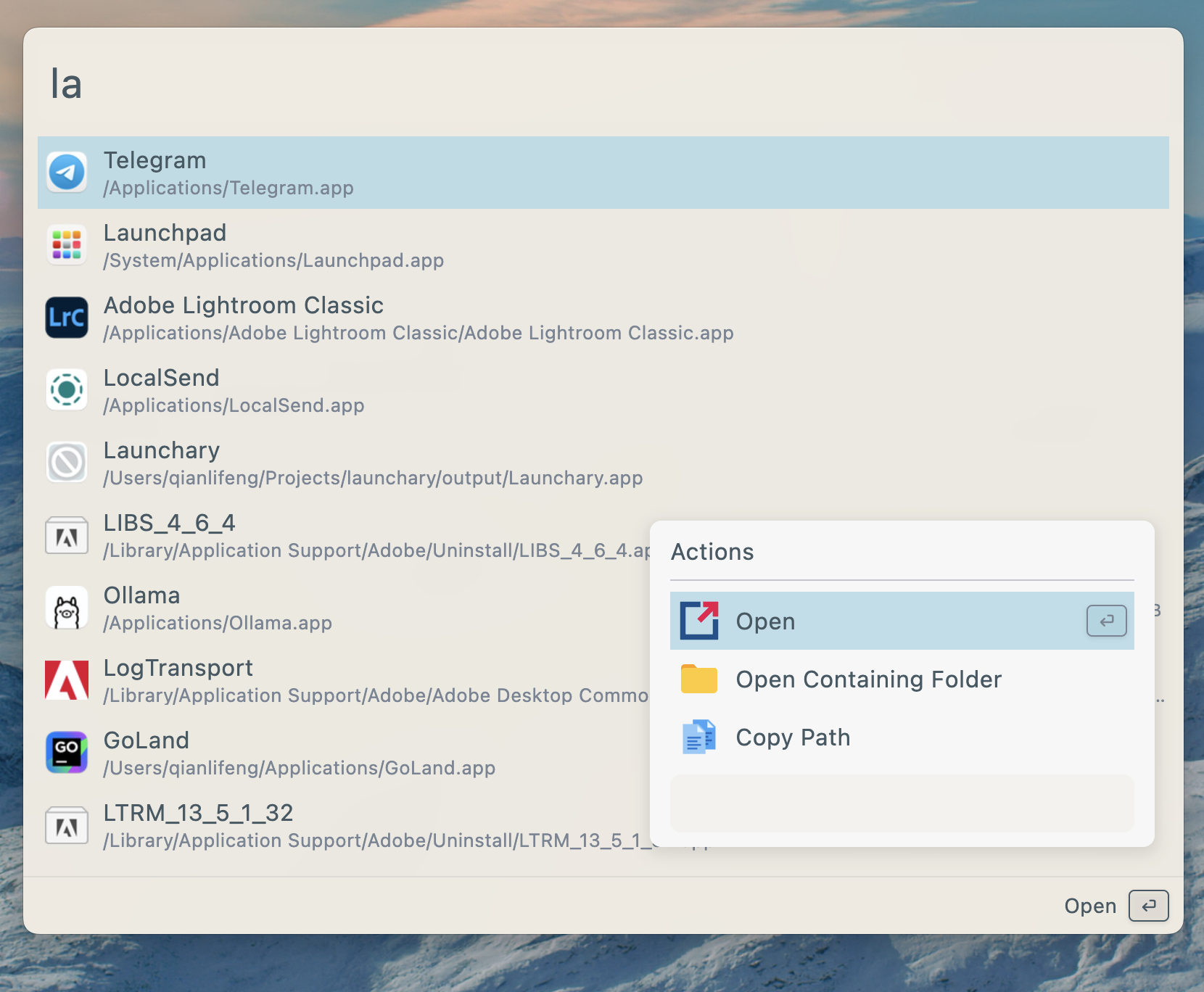
Wox is a cross-platform launcher that simply works. It's an open-source alternative to Alfred and Raycast
Features
- Search for applications, folders, files and more
- AI Chat with MCP support
- Plugins and Themes
- Single executable file, no installation required
- Develop plugins with Javascript, Python
Install
| Platform | Method | Command/Instructions |
|---|---|---|
| All Platforms | Manual | Download from releases and run the single executable file |
| macOS | Homebrew | brew tap wox-launcher/wox && brew install wox |
| Arch Linux | AUR | yay -S wox-bin or use your preferred AUR helper |
Linux Dependencies
| Dependency | Link | Description | Install |
|---|---|---|---|
| keybinder | https://github.com/kupferlauncher/keybinder | For recording the double modifier key hotkey | apt install keybinder-3.0 |
Due to the large number of Linux distributions, we only test Wox on Ubuntu. We cannot guarantee that it will work properly on other Linux platforms.
Usages
| Action | Shortcut |
|---|---|
| Toggle App | <kbd>Alt</kbd>/<kbd>Command</kbd> + <kbd>Space</kbd> |
| Show Actions | <kbd>Alt</kbd>/<kbd>Command</kbd> + <kbd>J</kbd> |
| Cancel/Return | <kbd>Esc</kbd> |
Contribution
- First and most importantly, star it!
- Send PR
- Join discussions
Documentation
Sponsors
<table> <tr> <td width="60" align="center"> <img src="https://github.com/SignPath.png" width="40" alt="SignPath"> </td> <td> Free code signing on Windows provided by <a href="https://signpath.io">SignPath.io</a>, certificate by <a href="https://signpath.org">SignPath Foundation</a> </td> </tr> </table>Project Activity