aksakalli / gtop
System monitoring dashboard for terminal
AI Architecture Analysis
This repository is indexed by RepoMind. By analyzing aksakalli/gtop in our AI interface, you can instantly generate complete architecture diagrams, visualize control flows, and perform automated security audits across the entire codebase.
Our Agentic Context Augmented Generation (Agentic CAG) engine loads full source files into context, avoiding the fragmentation of traditional RAG systems. Ask questions about the architecture, dependencies, or specific features to see it in action.
Embed this Badge
Showcase RepoMind's analysis directly in your repository's README.

Repository Summary (README)
Previewgtop
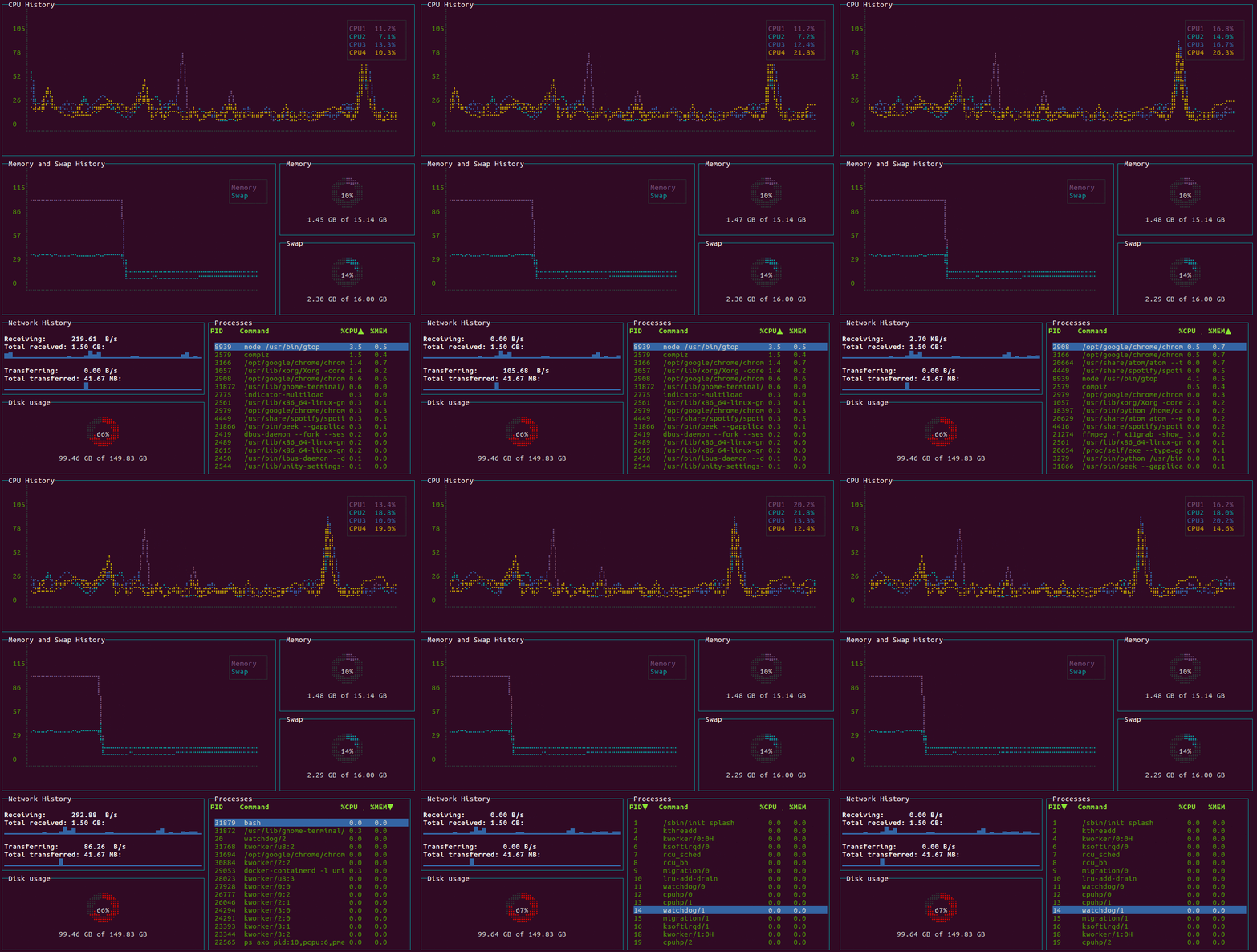
System monitoring dashboard for terminal.





Requirements
- Linux / OSX / Windows (partial support)
- Node.js >= v8
Installation
$ npm install gtop -g
Docker
You need to assign host net and pid to access the metrics in the host machine.
$ docker run --rm -it \
    --name gtop \
    --net="host" \
    --pid="host" \
    aksakalli/gtop
Usage
Start gtop with the gtop command
$ gtop
To stop gtop use q, or ctrl+c in most shell environments.
You can sort the process table by pressing
p: Process Idc: CPU usagem: Memory usage
Troubleshooting
If you see question marks or other different characters, try to run it with these environment variables:
$ LANG=en_US.utf8 TERM=xterm-256color gtop
License
Released under the MIT license.