divamgupta / diffusionbee-stable-diffusion-ui
Diffusion Bee is the easiest way to run Stable Diffusion locally on your M1 Mac. Comes with a one-click installer. No dependencies or technical knowledge needed.
AI Architecture Analysis
This repository is indexed by RepoMind. By analyzing divamgupta/diffusionbee-stable-diffusion-ui in our AI interface, you can instantly generate complete architecture diagrams, visualize control flows, and perform automated security audits across the entire codebase.
Our Agentic Context Augmented Generation (Agentic CAG) engine loads full source files into context, avoiding the fragmentation of traditional RAG systems. Ask questions about the architecture, dependencies, or specific features to see it in action.
Embed this Badge
Showcase RepoMind's analysis directly in your repository's README.

Repository Summary (README)
PreviewDiffusion Bee - Stable Diffusion GUI App for MacOS

Diffusion Bee is the easiest way to run Stable Diffusion locally on your Intel / M1 Mac. Comes with a one-click installer. No dependencies or technical knowledge needed.
- Runs locally on your computer no data is sent to the cloud ( other than request to download the weights or unless you chose to upload an image ).
- If you like Diffusion Bee, consider checking https://Liner.ai , a one-click tool to train machine learning models

Download at https://diffusionbee.com/
<br>For prompt ideas visit https://arthub.ai
Join discord server : https://discord.gg/t6rC5RaJQn
Features
- Full data privacy - nothing is sent to the cloud ( unless you chose to upload an image )
- Clean and easy to use UI with one-click installer
- Image to image
- Supported models : - SD 1.x, SD 2.x, SD XL, Inpainting, ControlNet, LoRA
- Download models from the app
- In-painting
- Out-painting
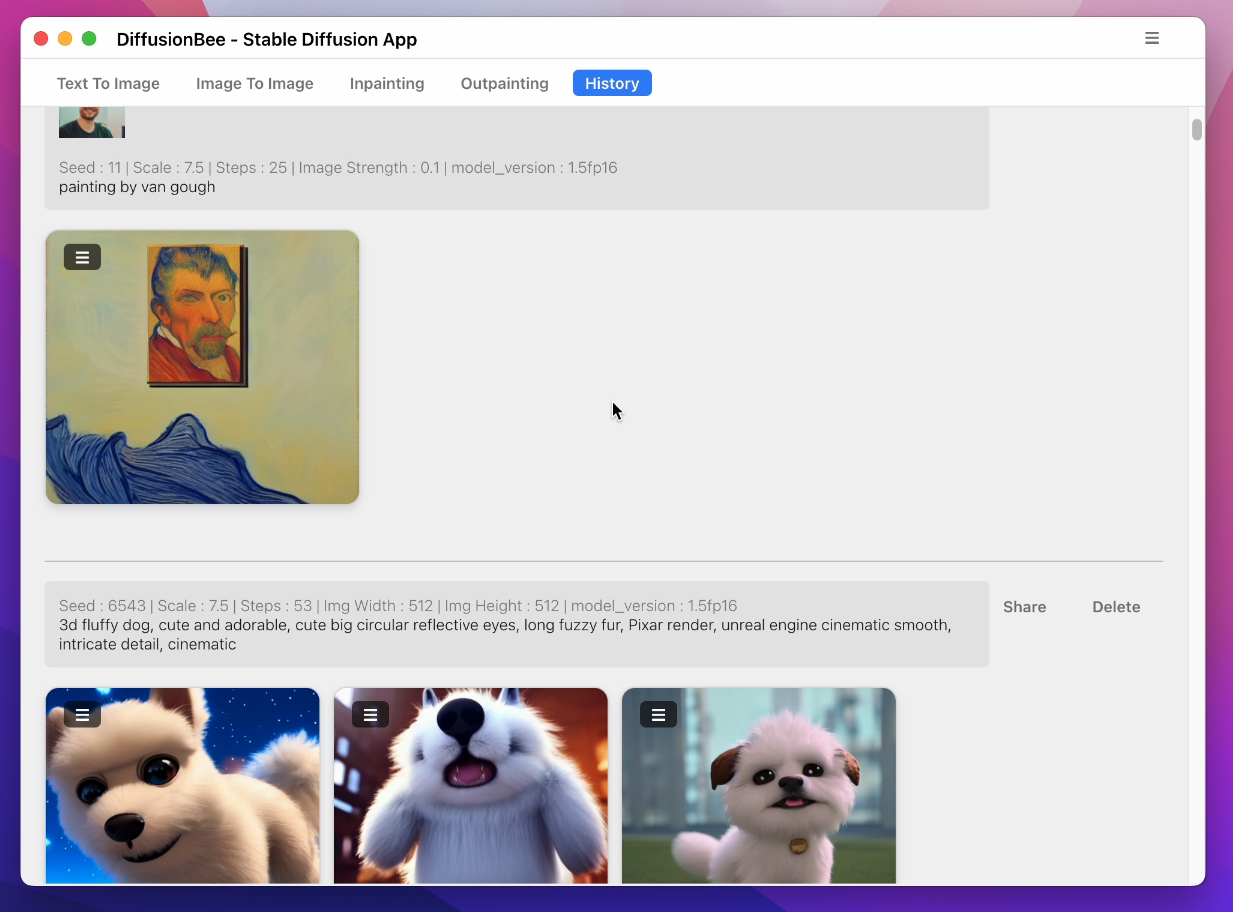
- Generation history
- Upscaling images
- Multiple image sizes
- Optimized for M1/M2 Chips
- Runs locally on your computer
- Negative prompts
- Advanced prompt options
- ControlNet
How to use
- Download and start the application

- Enter a prompt and click generate
Text to image:
Image to image:
Multiple Apps:
Image to image with mask:

Inpainting:

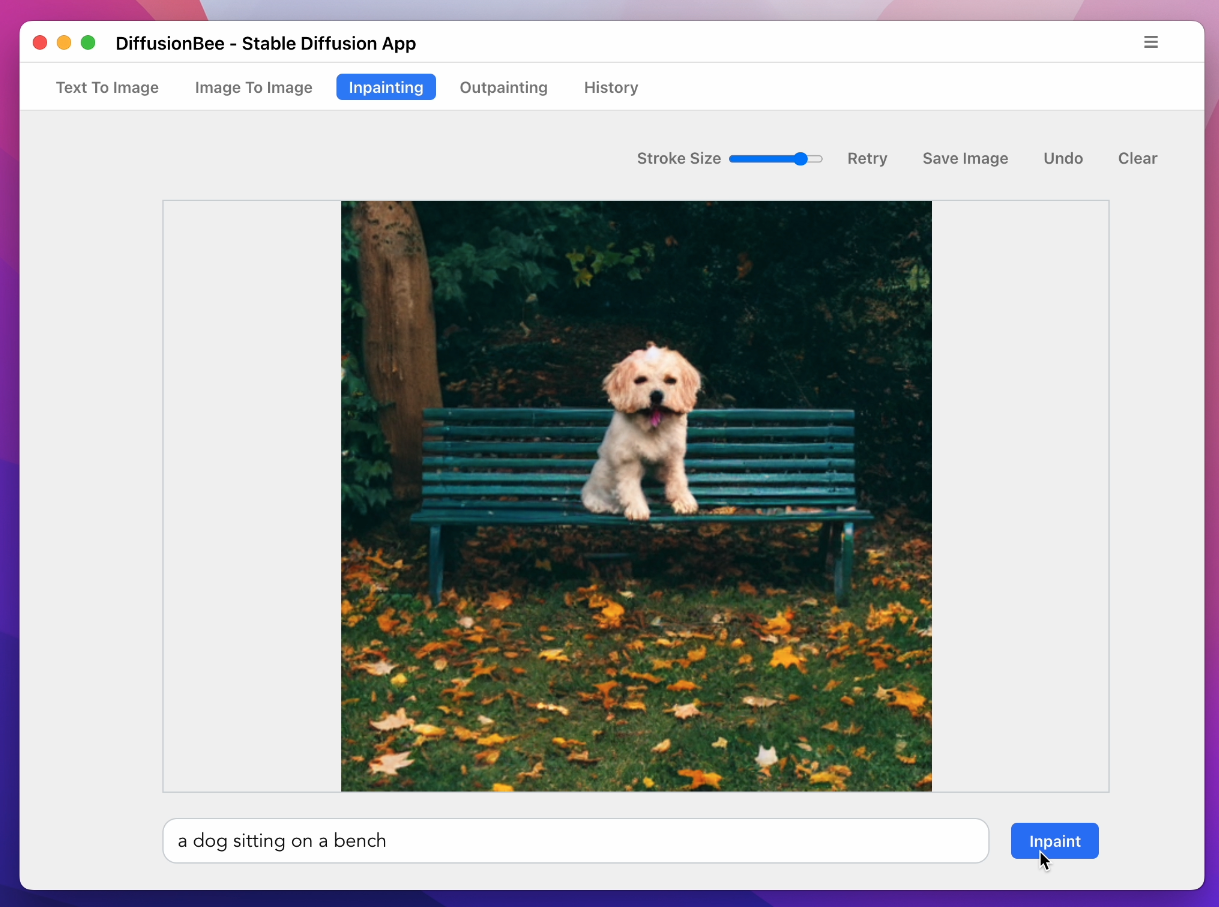
Advanced AI Canvas:

ControlNet:
Download Models:
History:
To learn more, visit the documentation.
Requirements
- Mac with Intel or M1/M2 CPU
- For Intel : MacOS 12.3.1 or later
- For M1/M2 : MacOS 11.0.0 or later
License : Stable Diffusion is released under the CreativeML OpenRAIL M license : https://github.com/CompVis/stable-diffusion/blob/main/LICENSE Diffusion Bee is just a GUI wrapper on top of Stable Diffusion, so all the term of Stable Diffusion are applied on the outputs.
References