qvacua / vimr
VimR — Neovim GUI for macOS in Swift
AI Architecture Analysis
This repository is indexed by RepoMind. By analyzing qvacua/vimr in our AI interface, you can instantly generate complete architecture diagrams, visualize control flows, and perform automated security audits across the entire codebase.
Our Agentic Context Augmented Generation (Agentic CAG) engine loads full source files into context, avoiding the fragmentation of traditional RAG systems. Ask questions about the architecture, dependencies, or specific features to see it in action.
Embed this Badge
Showcase RepoMind's analysis directly in your repository's README.

Repository Summary (README)
PreviewVimR — Neovim GUI for macOS
About
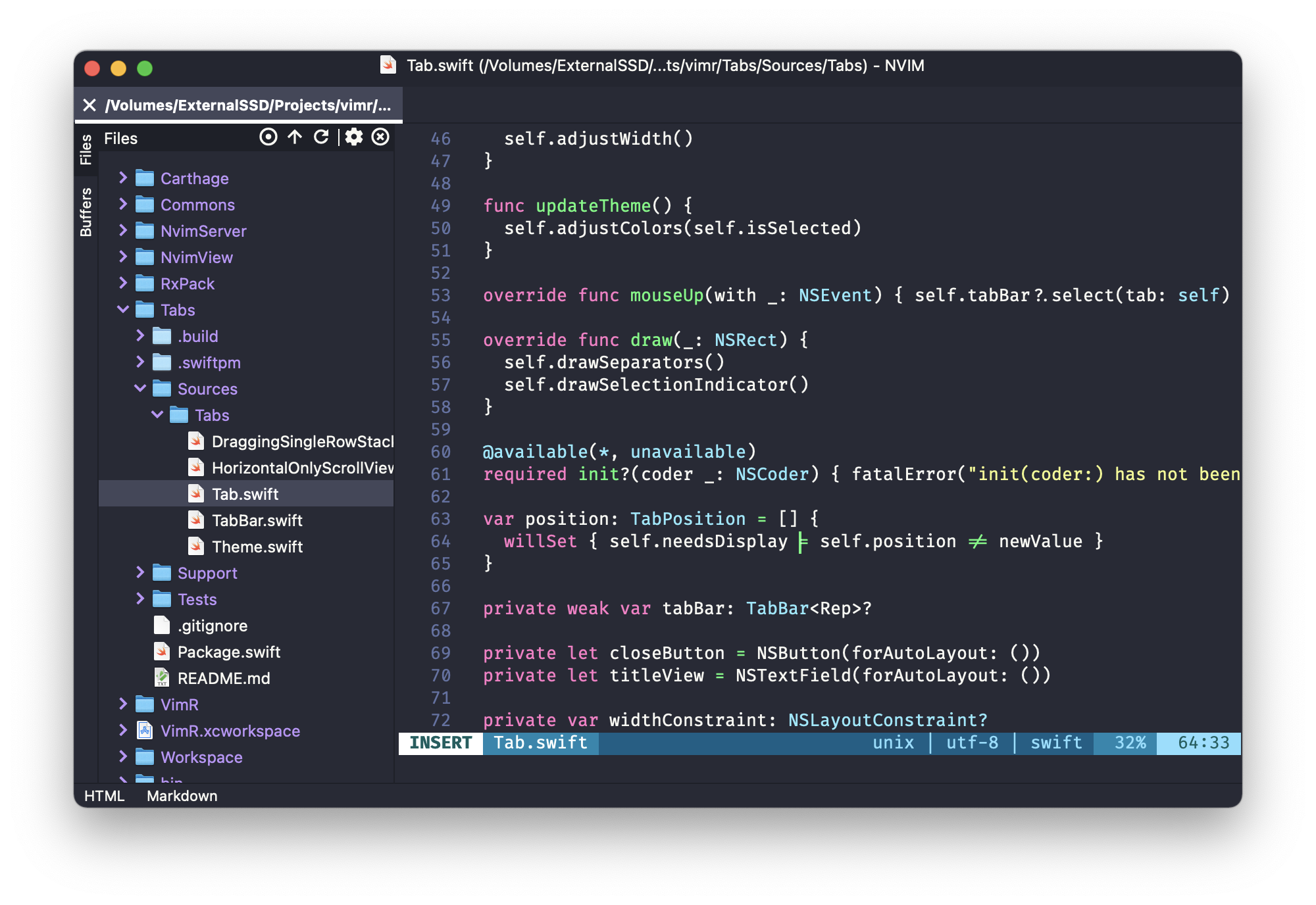
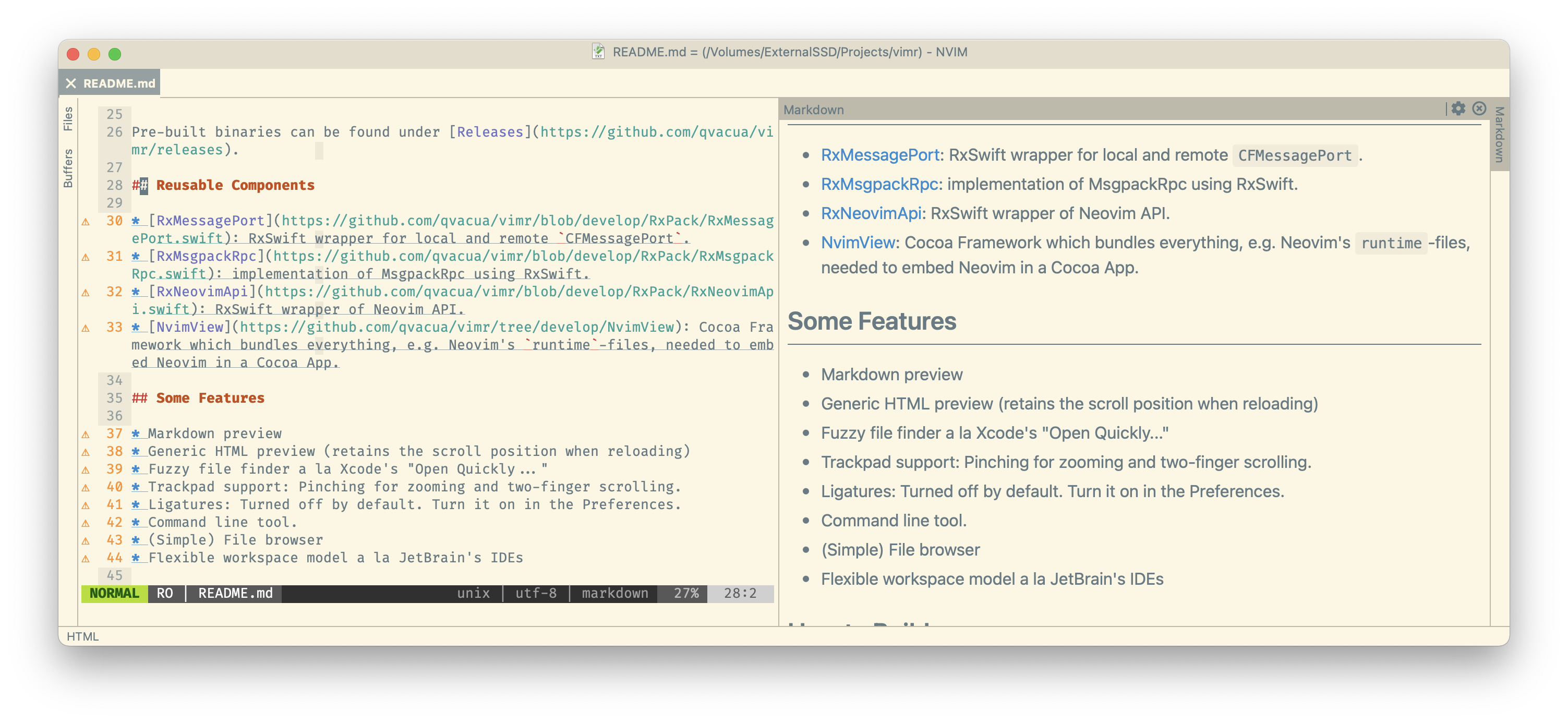
VimR is a Neovim GUI for macOS written in Swift.
The goal is to build an editor that uses Neovim inside with some of the convenient GUI features similar to those present in other editors.
There are other Neovim GUIs for macOS, see the list, so why VimR?
- Play around with Neovim,
- Play around with the main idea of Redux architecture, and
- (most importantly) have fun!
If you feel chatty, there is a chat room: https://matrix.to/#/#vimr:matrix.org
If you want to support VimR financially, use Github's Sponsor.
Download
Pre-built Universal signed and notarized binaries can be found under Releases.
Requirements
- macOS 13.0 or later
- Development: Xcode 26
Reusable Components
VimR is built with a modular architecture. The following Swift packages can be used independently:
- NvimView: SwiftPM module containing an NSView which bundles everything needed to embed Neovim in a Cocoa app, including the Neovim binary and runtime files.
- NvimApi: Synchronous and asynchronous API for Neovim.
- Commons: Common utilities and helpers used across the project.
- Tabs: Tab bar component.
- Workspace: Workspace management component.
- Ignore: Gitignore-style pattern matching using wildmatch.
Features
- Markdown preview
- Generic HTML preview (retains the scroll position when reloading)
- Fuzzy file finder a la Xcode's "Open Quickly..."
- Trackpad support: Pinching for zooming and two-finger scrolling.
- Ligatures: Turned off by default. Turn it on in the Preferences.
- Command line tool.
- (Simple) File browser
- Flexible workspace model a la JetBrain's IDEs
How to Build
Clone this repository. Install homebrew, then in the project root:
git submodule update --init

xcode-select --install # install the Xcode command line tools, if you haven't already
brew bundle # install dependencies, e.g., build tools for Neovim
clean=true notarize=false ./bin/build_vimr.sh
The built application will be located at ./build/Build/Products/Release/VimR.app.
Development
See DEVELOP.md.