semaphoreui / semaphore
Modern UI and powerful API for Ansible, Terraform/OpenTofu/Terragrunt, PowerShell and other DevOps tools.
AI Architecture Analysis
This repository is indexed by RepoMind. By analyzing semaphoreui/semaphore in our AI interface, you can instantly generate complete architecture diagrams, visualize control flows, and perform automated security audits across the entire codebase.
Our Agentic Context Augmented Generation (Agentic CAG) engine loads full source files into context, avoiding the fragmentation of traditional RAG systems. Ask questions about the architecture, dependencies, or specific features to see it in action.
Embed this Badge
Showcase RepoMind's analysis directly in your repository's README.

Repository Summary (README)
PreviewSemaphore UI
Modern UI for Ansible, Terraform/OpenTofu/Terragrunt, PowerShell and other DevOps tools.



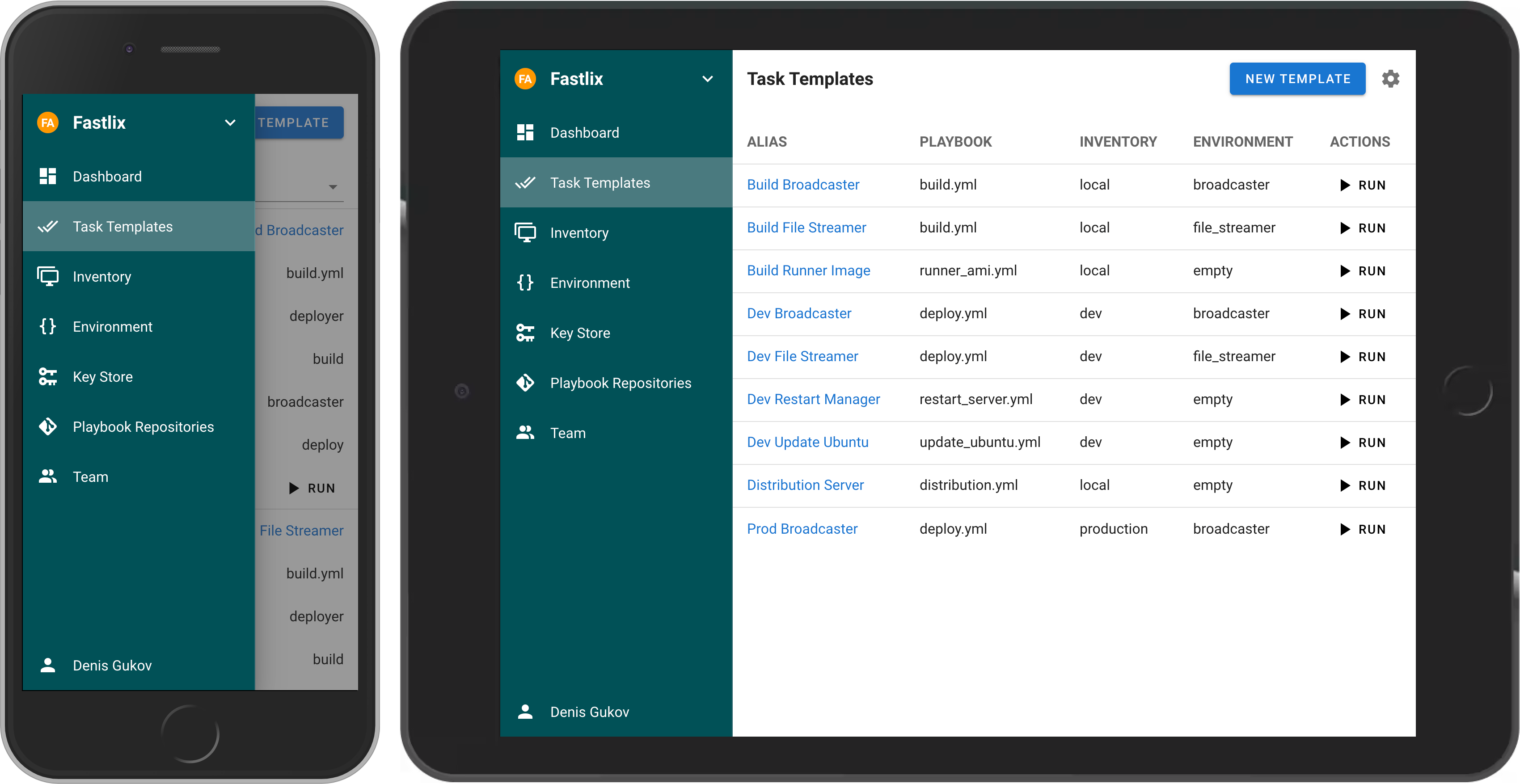
If your project has grown and deploying from the terminal is no longer feasible, then Semaphore UI is the tool you need.
Gratitude
Thank you, Stefan and steadfasterX, for supporting the project. Your support is invaluable.
Thank you, Thomas and Brian, for your excellent contributions. You solved issues that no one else would have taken on.
<!-- ## Live Demo Try the latest version of Semaphore at [https://portal.semaphoreui.com](https://portal.semaphoreui.com). -->What is Semaphore UI?
Semaphore UI is a modern web interface for managing popular DevOps tools.
Semaphore UI allows you to:
- Easily run Ansible playbooks, Terraform and OpenTofu code, as well as Bash and PowerShell scripts.
- Receive notifications about failed tasks.
- Control access to your deployment system.
Key Concepts
- Projects is a collection of related resources, configurations, and tasks.
- Task Templates are reusable definitions of tasks that can be executed on demand or scheduled.
- Task is a specific instance of a job or operation executed by Semaphore.
- Schedules allow you to automate task execution at specified times or intervals.
- Inventory is a collection of target hosts (servers, virtual machines, containers, etc.) on which tasks will be executed.
- Variable Group refers to a configuration context that holds sensitive information such as environment variables and secrets used by tasks during execution.
Getting Started
You can install Semaphore using the following methods:
- Docker
- Deploy a VM from a marketplace:
- Snap
- Binary file
- Debian or RPM package
Docker
The most popular way to install Semaphore is via Docker.
docker run -p 3000:3000 --name semaphore \
	-e SEMAPHORE_DB_DIALECT=bolt \
	-e SEMAPHORE_ADMIN=admin \
	-e SEMAPHORE_ADMIN_PASSWORD=changeme \
	-e SEMAPHORE_ADMIN_NAME=Admin \
	-e SEMAPHORE_ADMIN_EMAIL=admin@localhost \
	-d semaphoreui/semaphore:latest
We recommend using the Container Configurator to get the ideal Docker configuration for Semaphore.
<!-- ### SaaS We offer a SaaS solution for using Semaphore UI without installation. Check it out at [Semaphore Cloud](https://portal.semaphoreui.com). -->Other Installation Methods
For more installation options, visit our Installation page.
Documentation
Awesome Semaphore
A curated list of awesome things related to Semaphore UI.
- Ebdruplab — Ansible Collections — Ansible modules and a role for managing Semaphore.
- SemaphoreUI MCP Server — A Model Context Protocol (MCP) server that provides AI assistants with powerful automation capabilities for SemaphoreUI.
- Terraform SemaphoreUI Provider — Manage Semaphore UI resources using Terraform.
- PSSemaphore — A PowerShell module designed to work against the Ansible Semaphore REST API.
Contribution
- Contribution Guide
- Dev Container (default user
admin/changeme)
License
MIT © Denis Gukov