back to home
taylorchen709 / vue-admin
admin template based on vuejs2 and element.
6,601 stars
2,664 forks
19 issues
VueJavaScriptHTML
AI Architecture Analysis
This repository is indexed by RepoMind. By analyzing taylorchen709/vue-admin in our AI interface, you can instantly generate complete architecture diagrams, visualize control flows, and perform automated security audits across the entire codebase.
Our Agentic Context Augmented Generation (Agentic CAG) engine loads full source files into context, avoiding the fragmentation of traditional RAG systems. Ask questions about the architecture, dependencies, or specific features to see it in action.
Embed this Badge
Showcase RepoMind's analysis directly in your repository's README.
[](https://repomind-ai.vercel.app/repo/taylorchen709/vue-admin)
Preview:
Repository Summary (README)
Previewdemo: https://taylorchen709.github.io/vue-admin/
To start
This is a project template for vue-cli
# install dependencies
npm install

# serve with hot reload at localhost:8081
npm run dev

# build for production with minification
npm run build
Folder structure
- build - webpack config files
- config - webpack config files
- dist - build
- src -your app
- api
- assets
- common
- components - your vue components
- mock
- styles
- views - your pages
- vuex
- App.vue
- main.js - main file
- routes.js
- static - static assets
Theme
You can change theme by
- Generate theme packages by https://elementui.github.io/theme-preview/#/
- Put theme packages in src/assets/theme/
- Edit src/main.js
   import 'element-ui/lib/theme-default/index.css'
   to
   import './assets/theme/your-theme/index.css'
- Edit src/styles/vars.scss
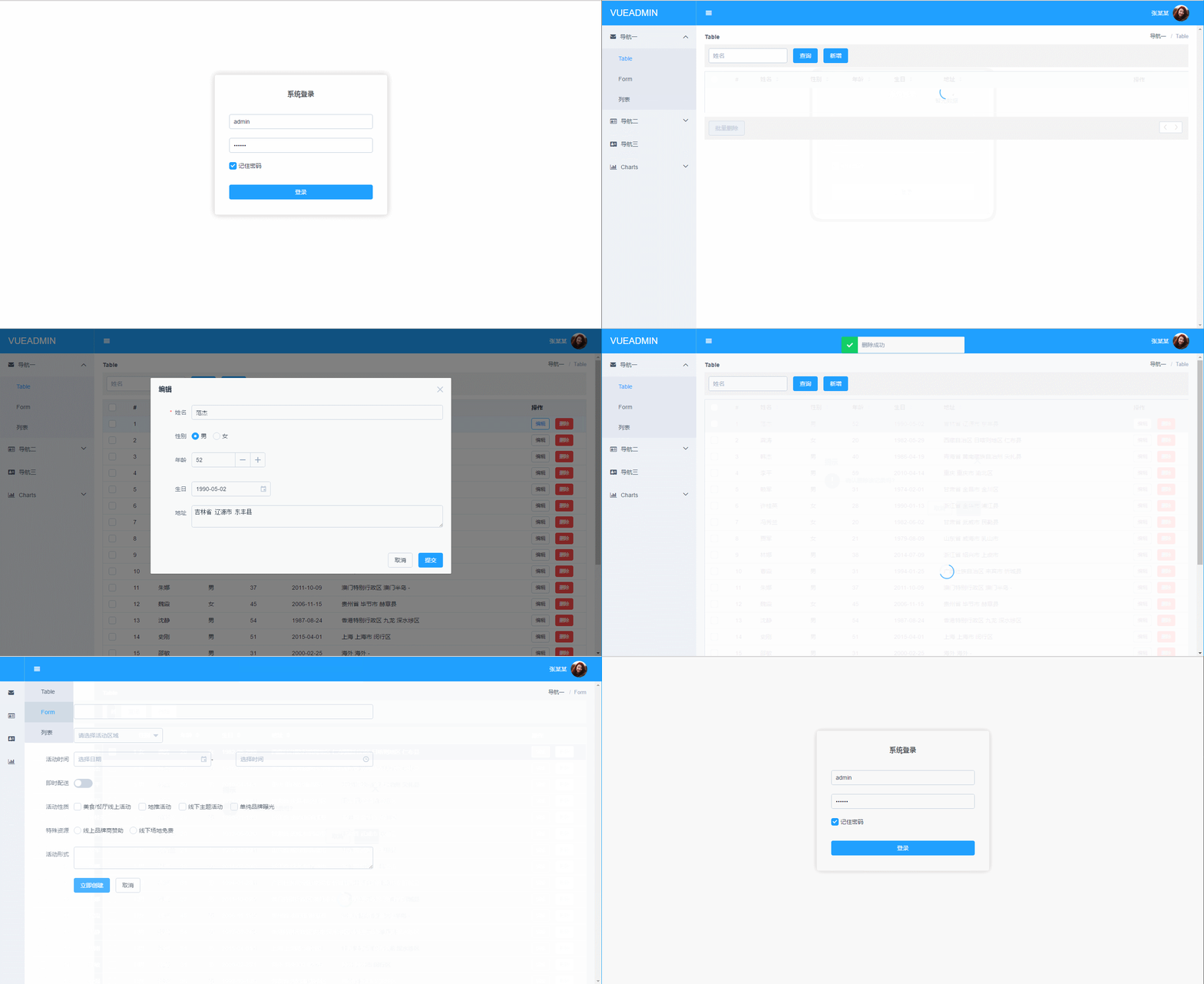
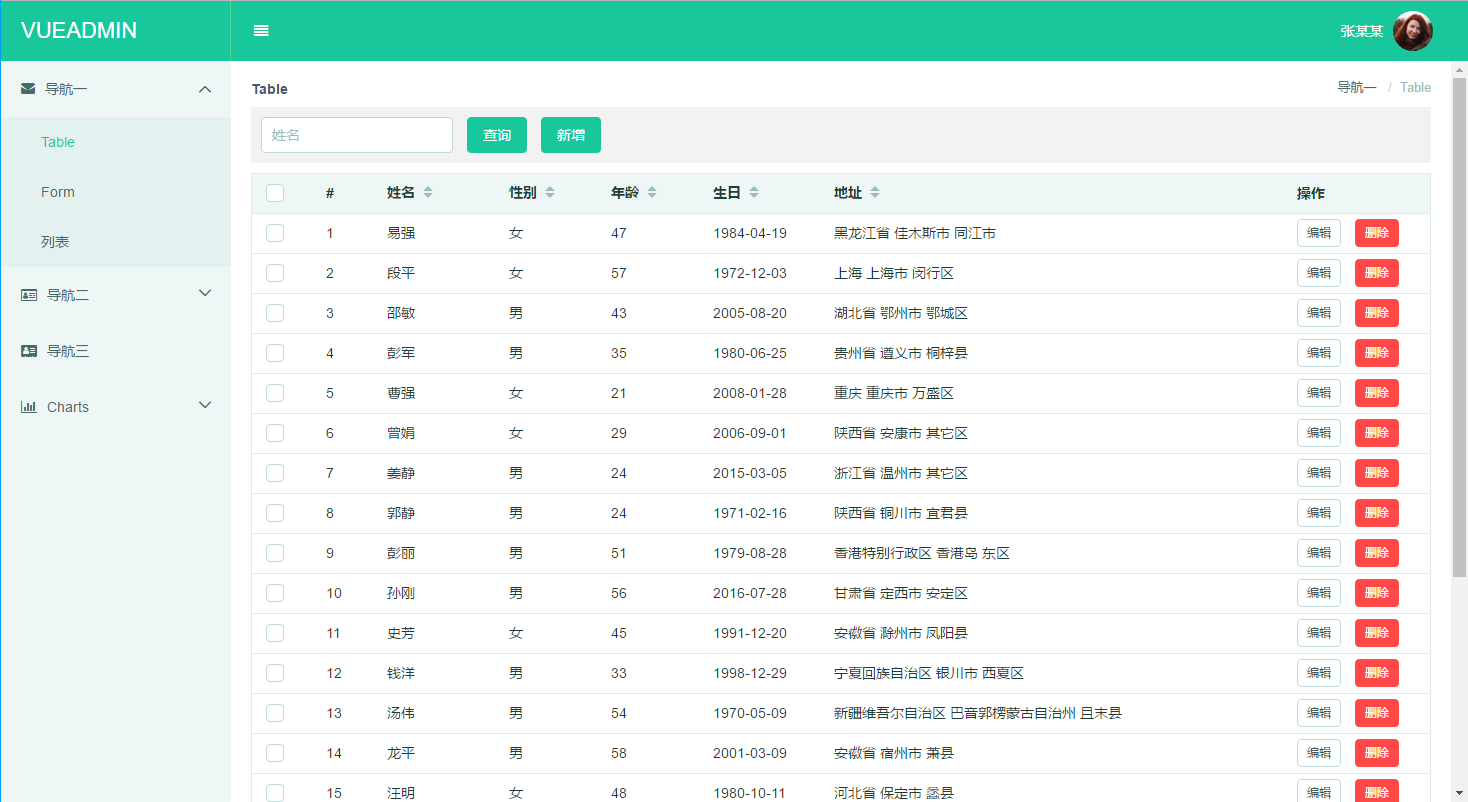
Browser support
Modern browsers and IE 10+.