trazyn / ieaseMusic
网易云音乐第三方
AI Architecture Analysis
This repository is indexed by RepoMind. By analyzing trazyn/ieaseMusic in our AI interface, you can instantly generate complete architecture diagrams, visualize control flows, and perform automated security audits across the entire codebase.
Our Agentic Context Augmented Generation (Agentic CAG) engine loads full source files into context, avoiding the fragmentation of traditional RAG systems. Ask questions about the architecture, dependencies, or specific features to see it in action.
Embed this Badge
Showcase RepoMind's analysis directly in your repository's README.

Repository Summary (README)
PreviewieaseMusic






Elegant NeteaseMusic desktop app, Rock with NeteaseMusic :metal:
Built by Electron, React, MobX, JSS
API 由 Binaryify/NeteaseCloudMusicApi 提供。
Preview
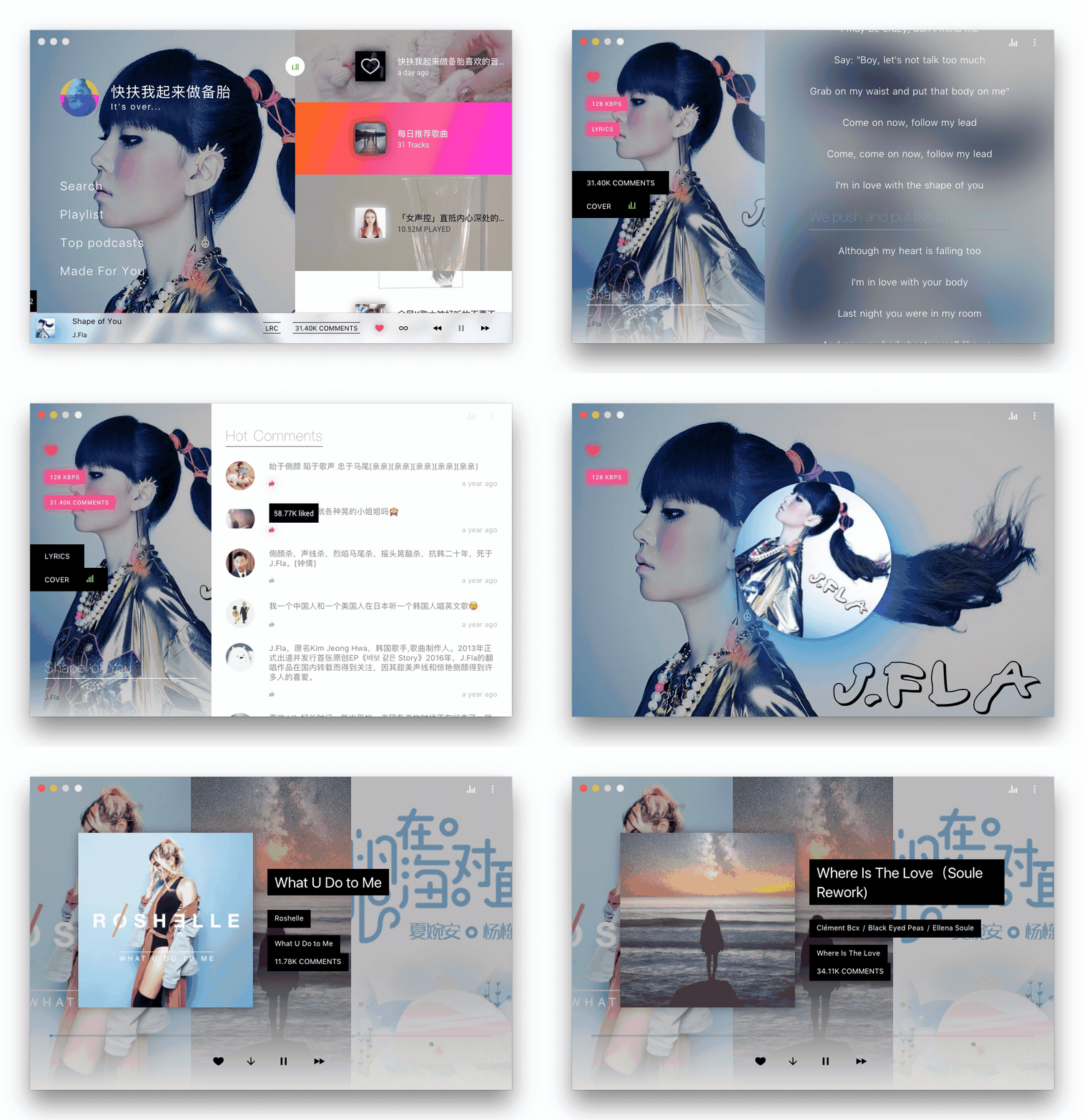
Feature
-
帅
-
很帅
-
非常帅
-
JSS Theme support
-
OSX Friendly
-
Cross Platform
-
Keyboard support
-
Desktop notifications
-
Modern UI design
-
High quality music(FLAC)
-
Track your listen to Last.fm
-
Fix dead music link #3(QQ music, Xiami music, Kugou music, Kuwo music, MiGu music, Biadu music all in one)
-
Share music to Facebook, Twitter, Google+, WeChat
-
WeChat scan to log in
-
Download music 🍭
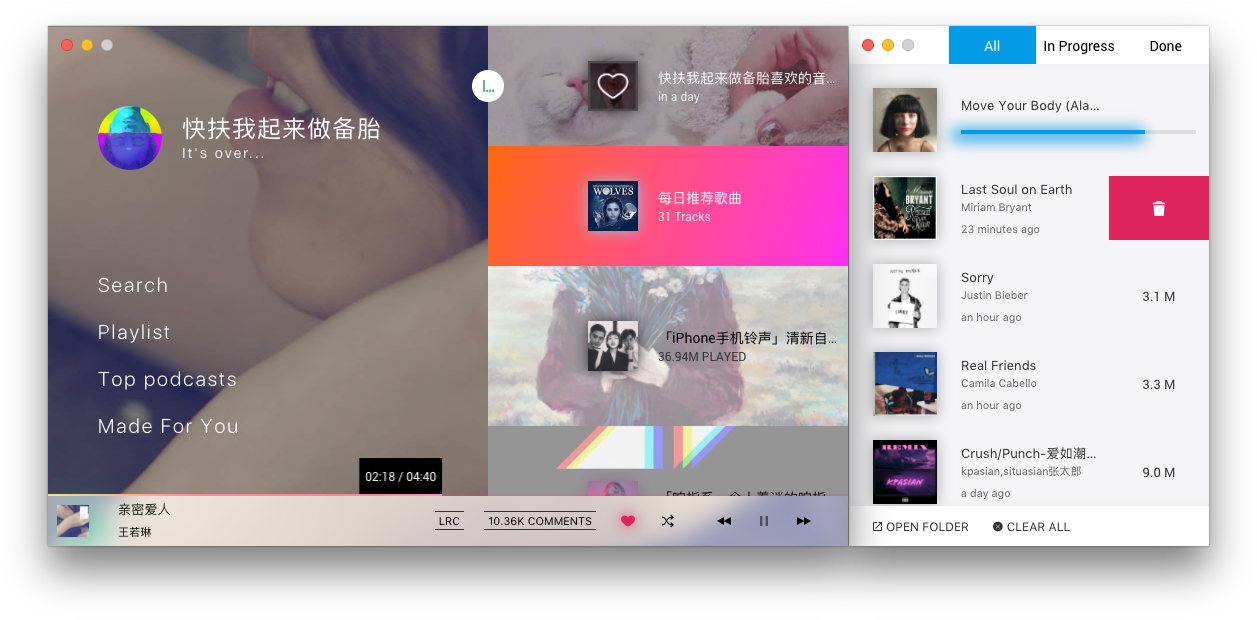
-
Alfred 3 workflow(alfred-ieasemusic), required v1.2.6+

Install
Download the last version on the website or below.
Mac(10.9+)
Download the .dmg file, Or use homebrew:
brew cask install ieasemusic
Linux
Download the .deb file for 'Debian / Ubuntu':
$ sudo dpkg -i ieaseMusic-1.3.4-linux-amd64.deb
Download the .rpm file for 'Centos/RHEL':
$ sudo yum localinstall ieaseMusic-1.3.4-linux-x86_64.rpm
Download the .Appimage file for other distribution:
$ chmod u+x iease-music-1.3.4-x86_64.AppImage
$ ./iease-music-1.3.4-x86_64.AppImage
Archlinux pacman install:
$ pacman -S iease-music
or
$ pacman -S iease-music-git
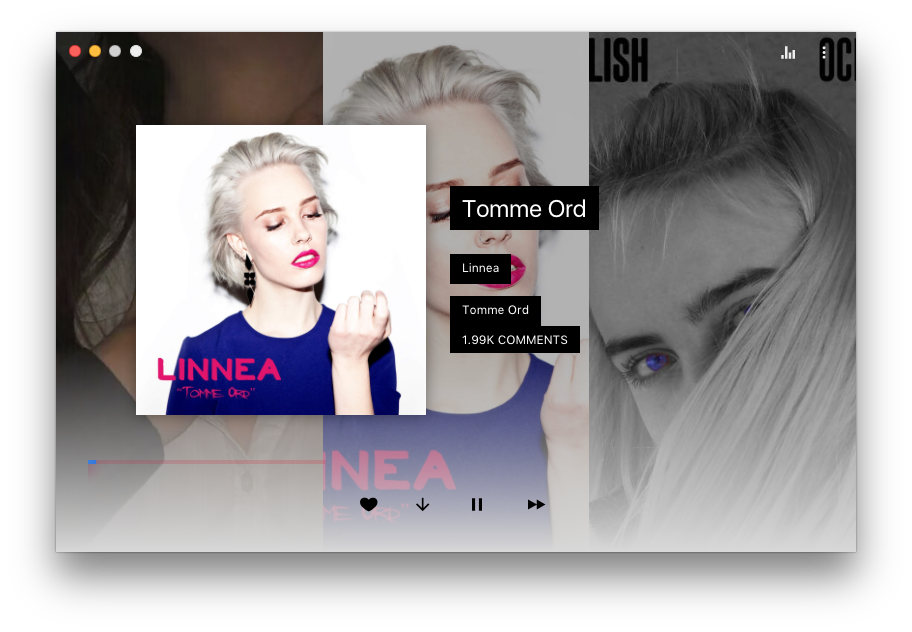
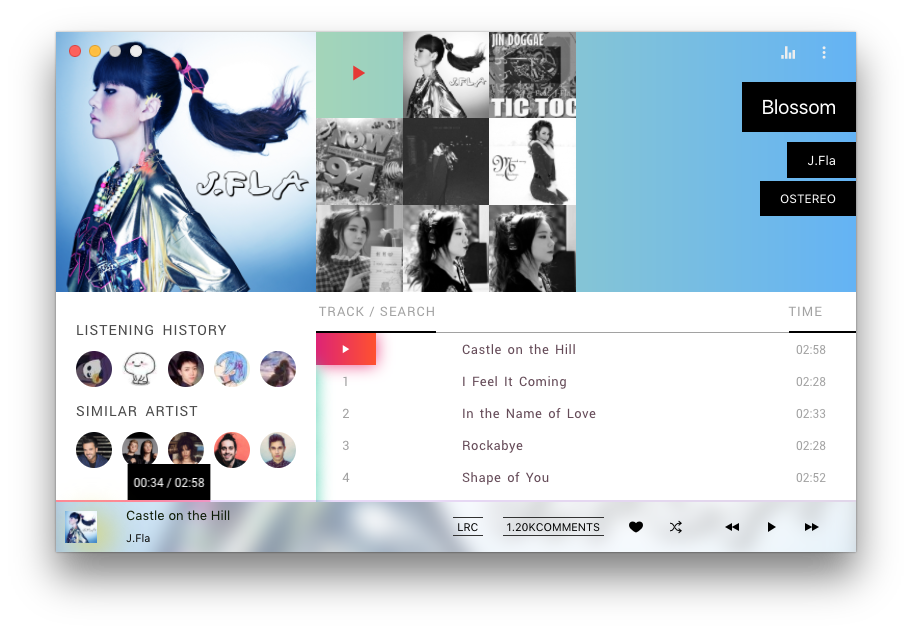
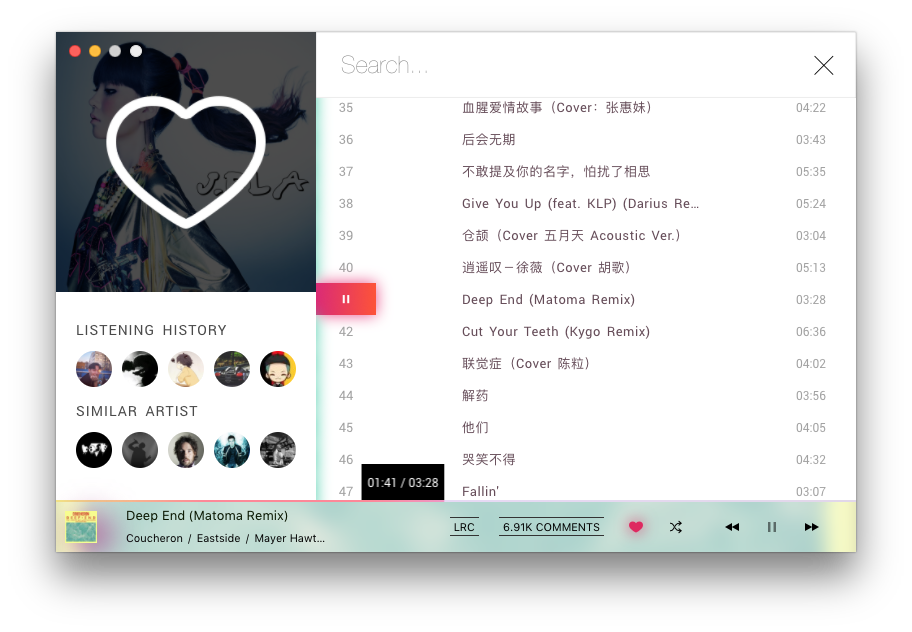
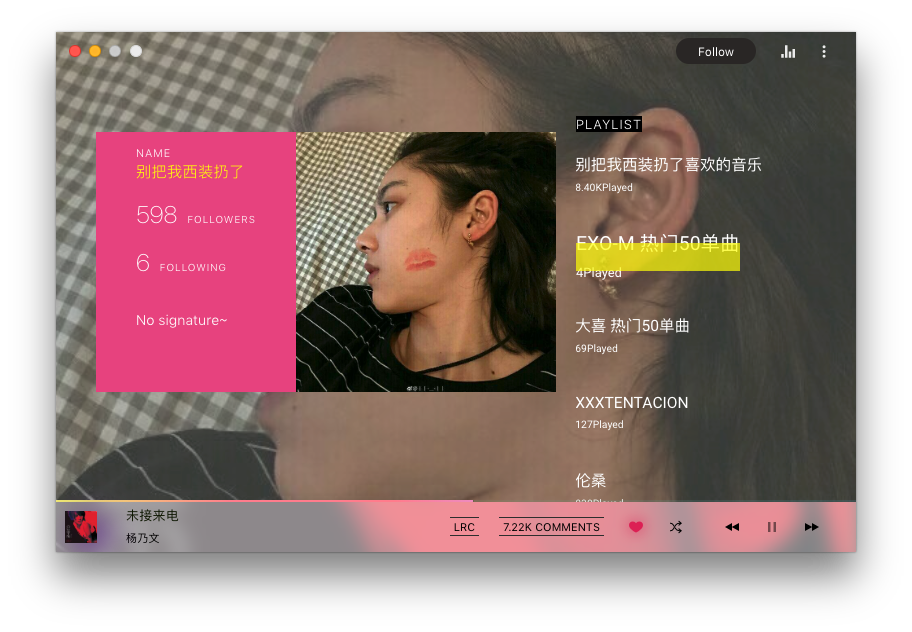
Screenshots
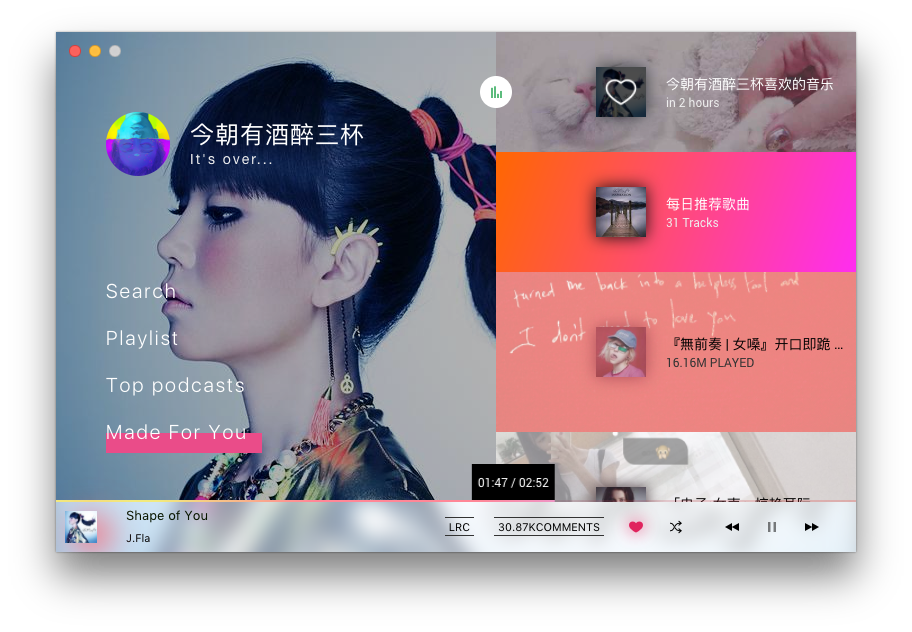
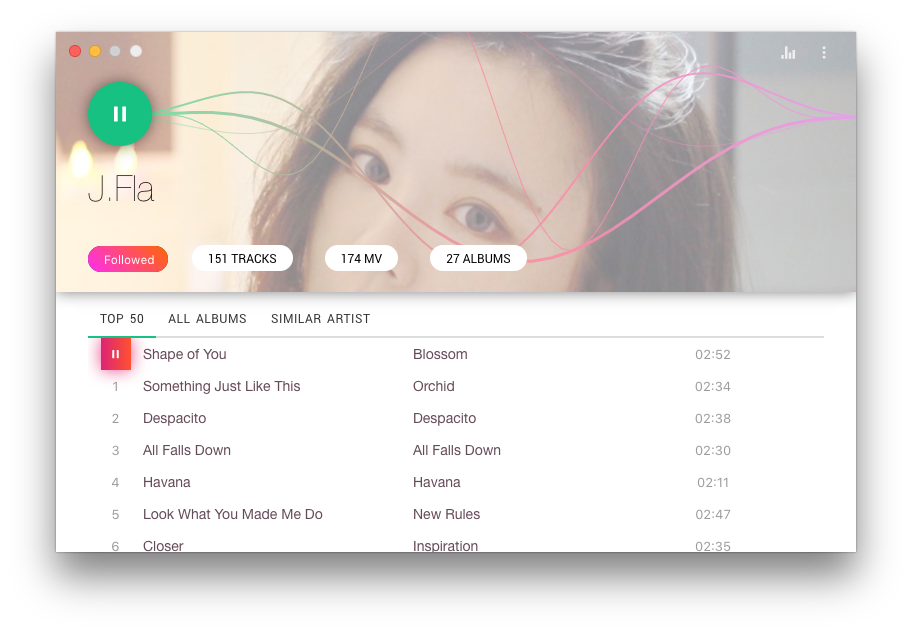

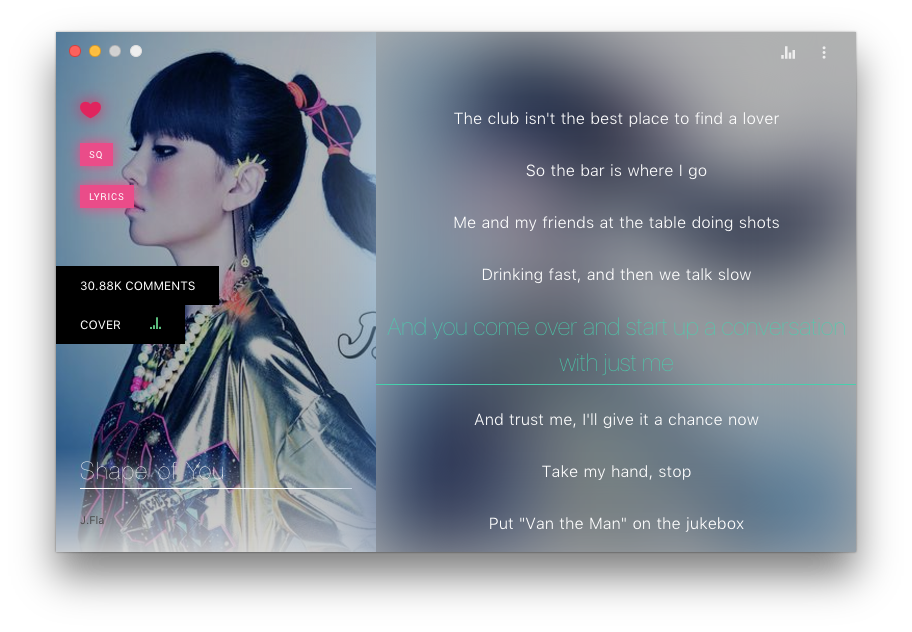
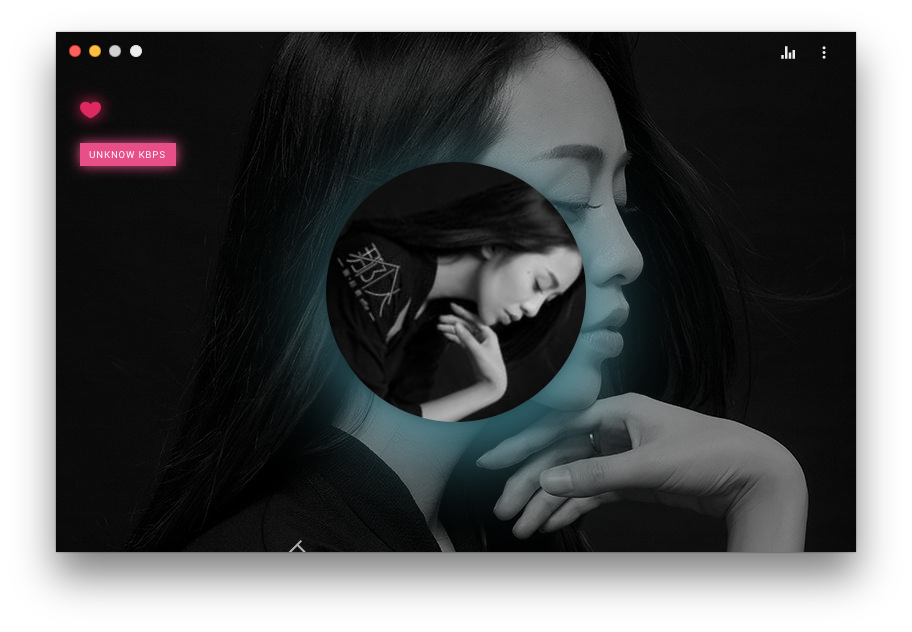
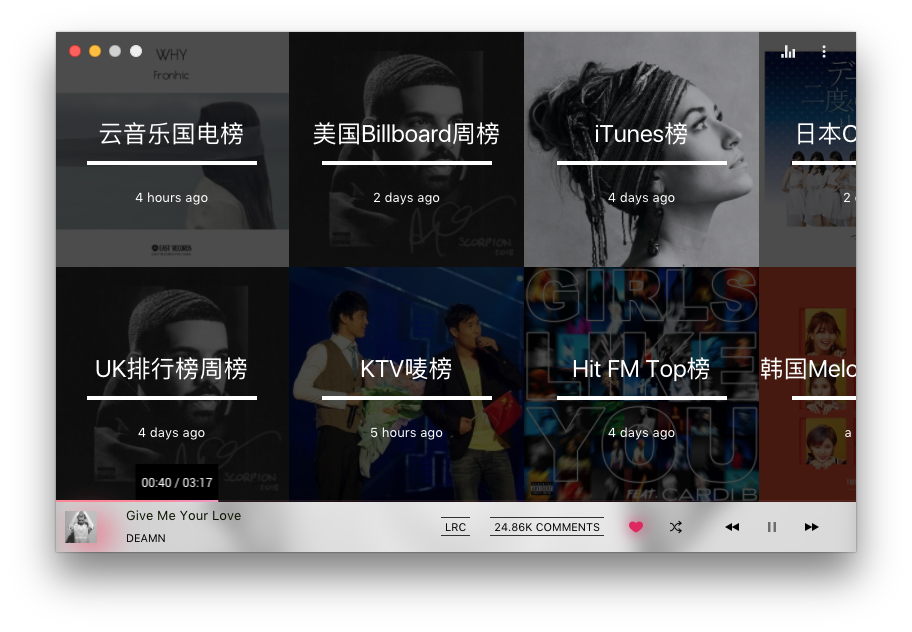
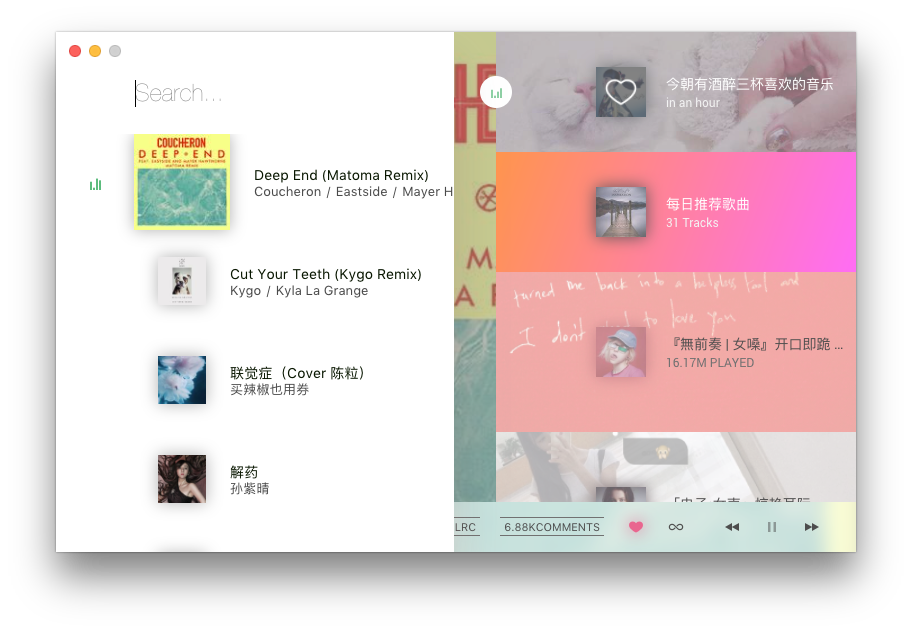
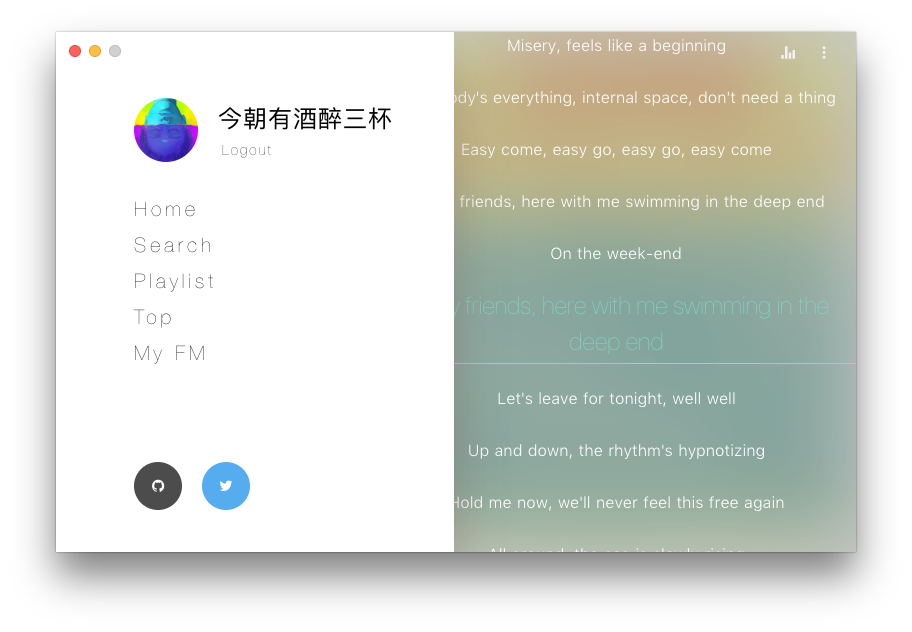
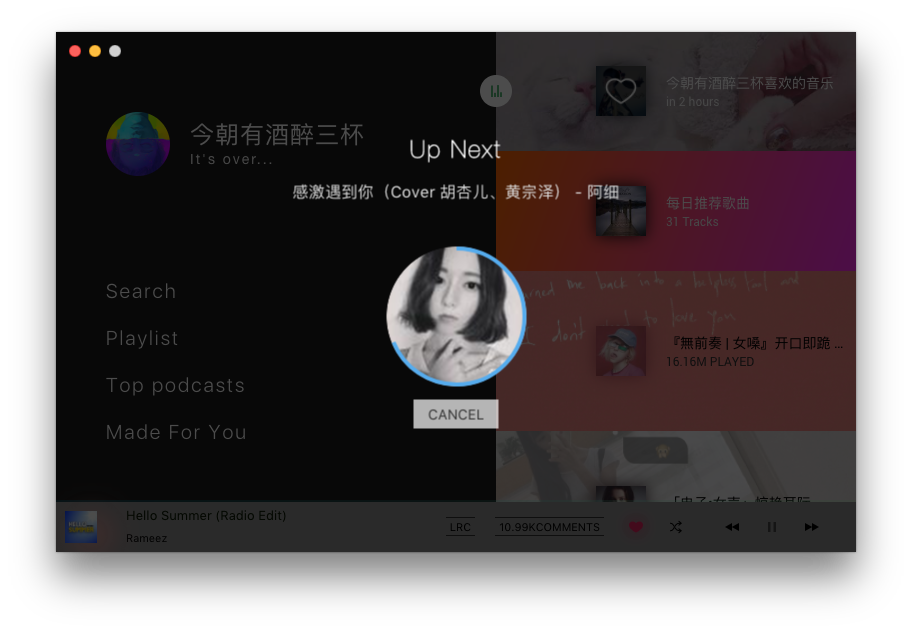
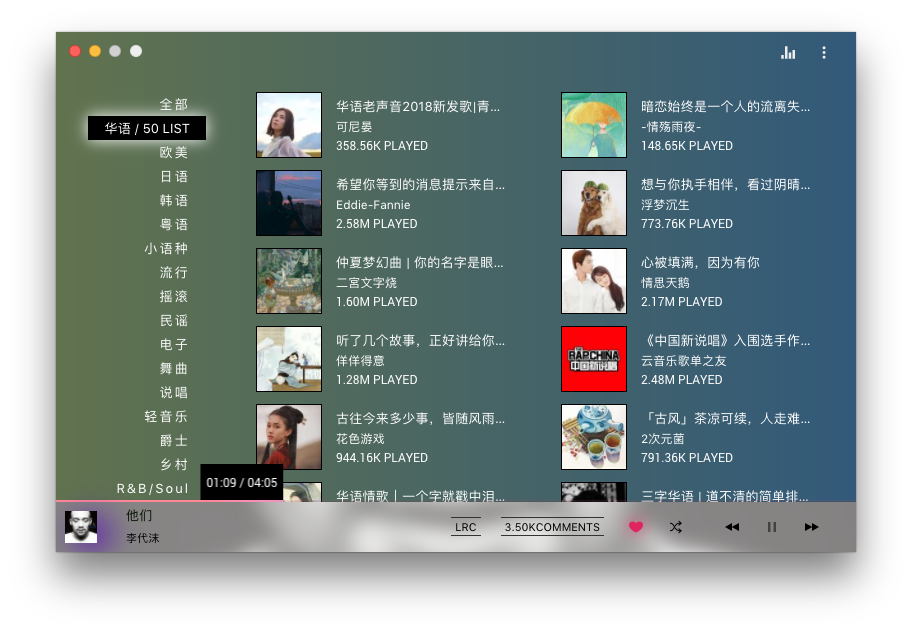
Development
git submodule init
git submodule update --remote --merge
$ npm install
$ npm run dev
UNBLOCK
修改/etc/hosts添加
158.199.142.239 music.163.com
163.171.98.219  p1.music.126.net
163.171.98.219  p3.music.126.net
163.171.98.219  p4.music.126.net
202.122.146.83  m10.music.126.net
上面是日本反代节点fengjueming/unblock-NetEaseMusic
新加坡节点(本屌太穷有需要还是尽量用上面的节点吧)
52.221.201.48 music.163.com
关于优化IP地址,p开头的是图片CDN服务器,m开头的是音乐资源CDN服务器。可以通过
ping ws.acgvideo.com
来寻找最优的音乐资源CDN服务器。通过
ping cdnetworks.com
来寻找最优的图片资源CDN服务器。
Keyboard shortcuts
| Description | Keys |
|---|---|
| 暂停/播放 | <kbd>Space</kbd> |
| 上一曲 | <kbd>Left</kbd> |
| 下一曲 | <kbd>Right</kbd> |
| 音量加 | <kbd>Up</kbd> |
| 音量减 | <kbd>Down</kbd> |
| 喜欢歌曲 | <kbd>Cmd</kbd> <kbd>L</kbd> |
| 播放历史记录 | <kbd>Cmd</kbd> <kbd>0</kbd> ... <kbd>9</kbd> |
| 搜索 | <kbd>Cmd</kbd> <kbd>F</kbd> |
| 显示下载歌曲 | <kbd>Shift</kbd> <kbd>Cmd</kbd> <kbd>D</kbd> |
| 跳转首页 | <kbd>Shift</kbd> <kbd>Cmd</kbd> <kbd>H</kbd> |
| 查看榜单 | <kbd>Shift</kbd> <kbd>Cmd</kbd> <kbd>T</kbd> |
| 所有歌单 | <kbd>Shift</kbd> <kbd>Cmd</kbd> <kbd>P</kbd> |
| 我的电台 | <kbd>Shift</kbd> <kbd>Cmd</kbd> <kbd>F</kbd> |
| 菜单 | <kbd>Shift</kbd> <kbd>Cmd</kbd> <kbd>L</kbd> |
| 播放列表 | <kbd>Cmd</kbd> <kbd>P</kbd> |
| 偏好设置 | <kbd>Cmd</kbd> <kbd>,</kbd> |
| 偏好设置 | <kbd>鼠标右键</kbd> |
TODO:
- Home
- Playlist
- Top
- My FM
- User
- Artist
- Album
- Search
- Login
- Pllylist subscribe
- Follow
- Flac high quality audio
- Fix dead music link(#3)
- Scrobble to Last.fm
- Comment(Read only)
- Lyrics
- Auto update
- Alfred supports
- Download manager
- Wechat QR code login
- Weibo QR code login
- Resize window(New UI)
参考列表
-
UNBLOCK
-
添加其他曲库,解决死链问题 ITJesse/UnblockNeteaseMusic
License
还是 MIT 吧,懒得改了